41
Operating the monitor
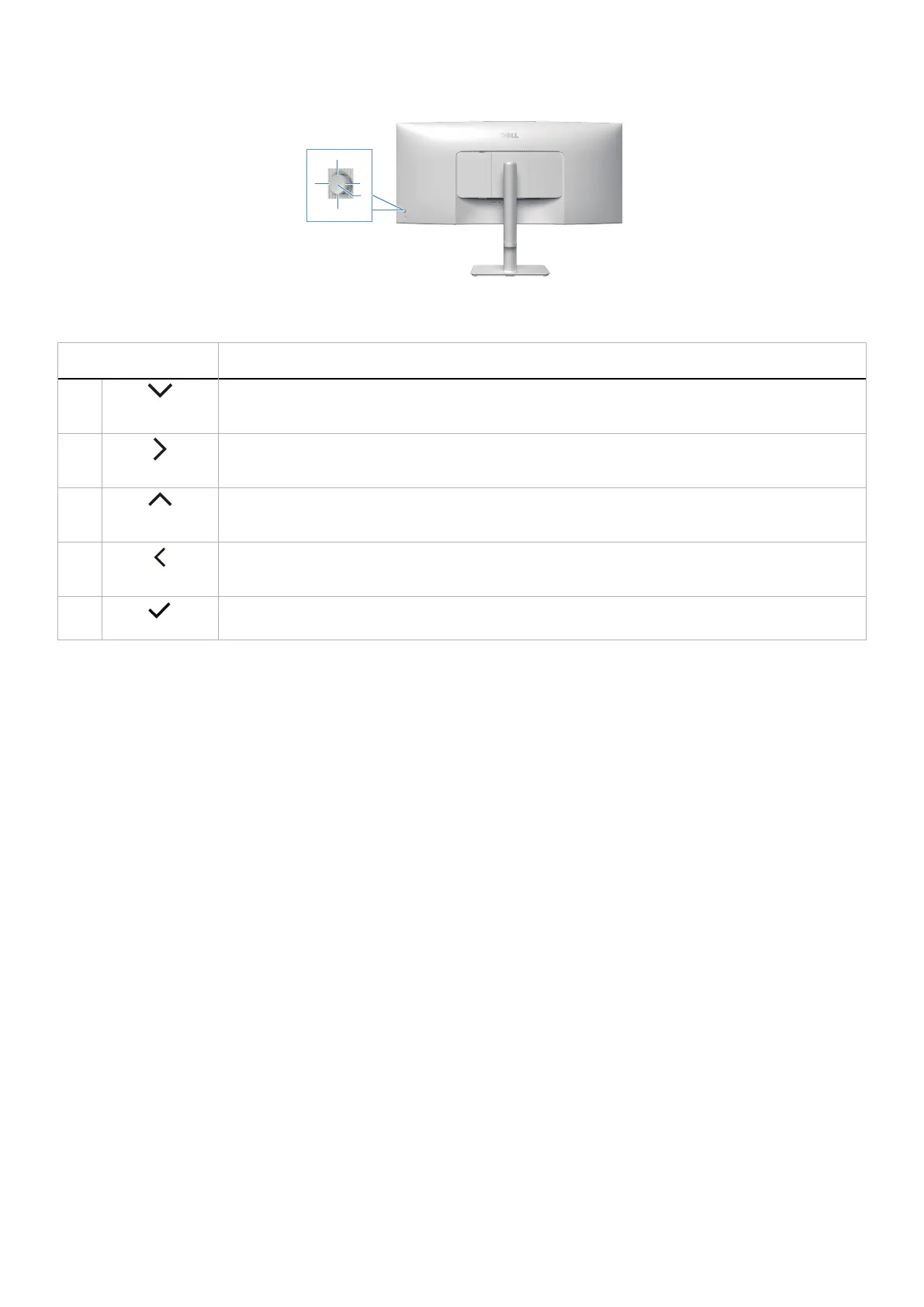
Direct Key functions
4
2
1
5
3
Figure 34. Direct Key
Table 27. Control buttons and descriptions.
Control Buttons Description
1
Direct Key 1
Allows you to choose a feature from Off, Menu Launcher, Preset Modes, Brightness, Contrast, Input
Source, Aspect Ratio, Volume, Audio Profiles, Smart HDR, Display Info, PIP/PBP Mode or Video Swap
and set it as a Direct Key 1.
2
Direct Key 2
Allows you to choose a feature from Off, Menu Launcher, Preset Modes, Brightness, Contrast, Input
Source, Aspect Ratio, Volume, Audio Profiles, Smart HDR, Display Info, PIP/PBP Mode or Video Swap
and set it as a Direct Key 2.
3
Direct Key 3
Allows you to choose a feature from Off, Menu Launcher, Preset Modes, Brightness, Contrast, Input
Source, Aspect Ratio, Volume, Audio Profiles, Smart HDR, Display Info, PIP/PBP Mode or Video Swap
and set it as a Direct Key 3.
4
Direct Key 4
Allows you to choose a feature from Off, Menu Launcher, Preset Modes, Brightness, Contrast, Input
Source, Aspect Ratio, Volume, Audio Profiles, Smart HDR, Display Info, PIP/PBP Mode or Video Swap
and set it as a Direct Key 4.
5
Menu Launcher
To access the Menu Launcher.



 To Next Page