40
Operating the monitor
Using the navigation keys
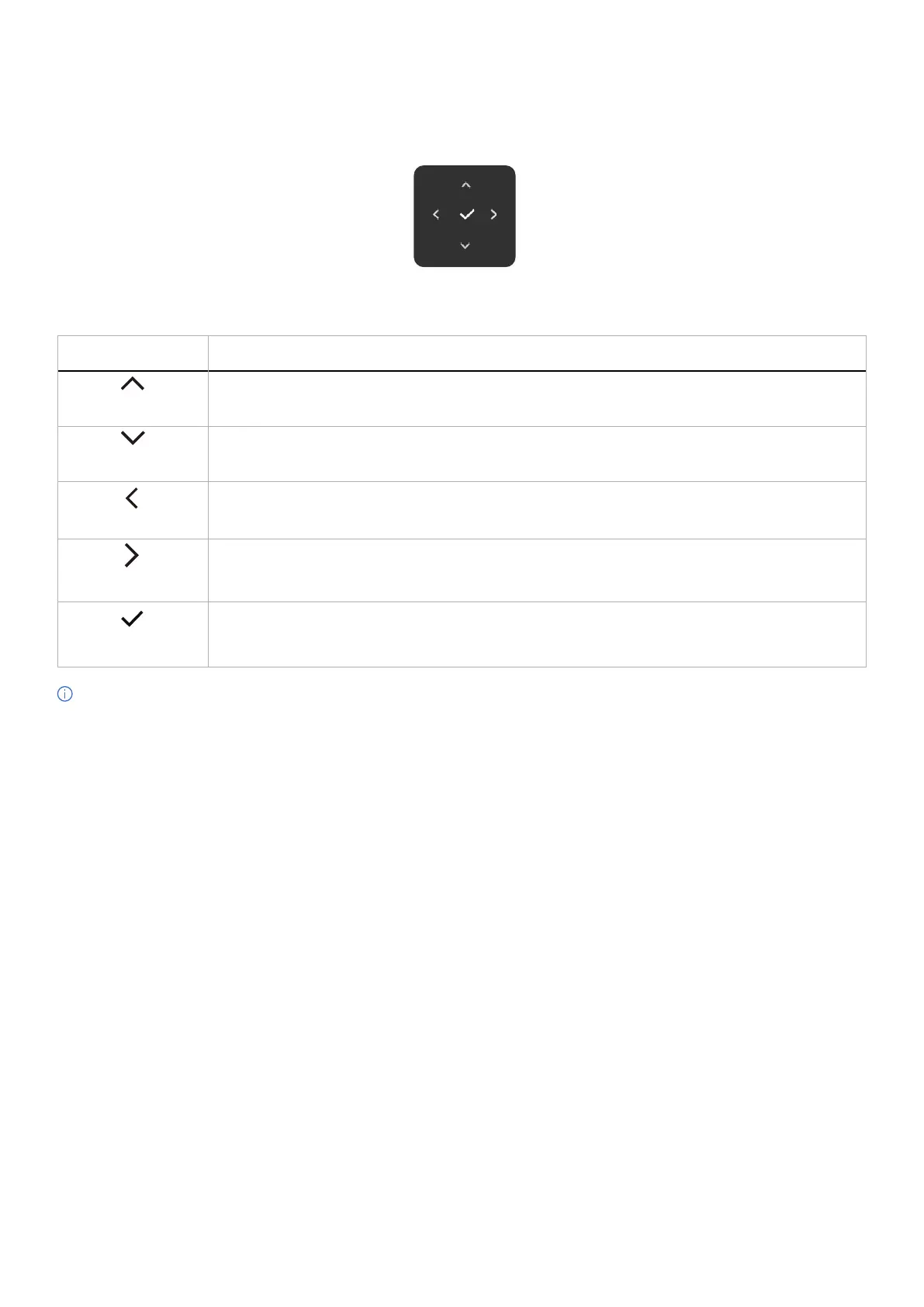
When the OSD main menu is active, move the joystick to configure the settings, following the navigation keys displayed below the
OSD.
Figure 33. Navigation keys
Table 26. Control buttons and descriptions.
Control Buttons Description
Up
Use the Up navigation key to adjust (increase ranges) items in the OSD menu.
Down
Use the Down navigation key to adjust (decrease ranges) items in the OSD menu.
Left
For the first level in the Menu list, use the Left navigation key to exit/close the OSD menu.
Right
For all other levels except the first level in the Menu list, the Right navigation key goes to the next level.
OK
Press the joystick to confirm your selection.
NOTE: To exit the current menu item and return to the previous menu, move the joystick to the left until you exit.



 To Next Page