42
Operating the monitor
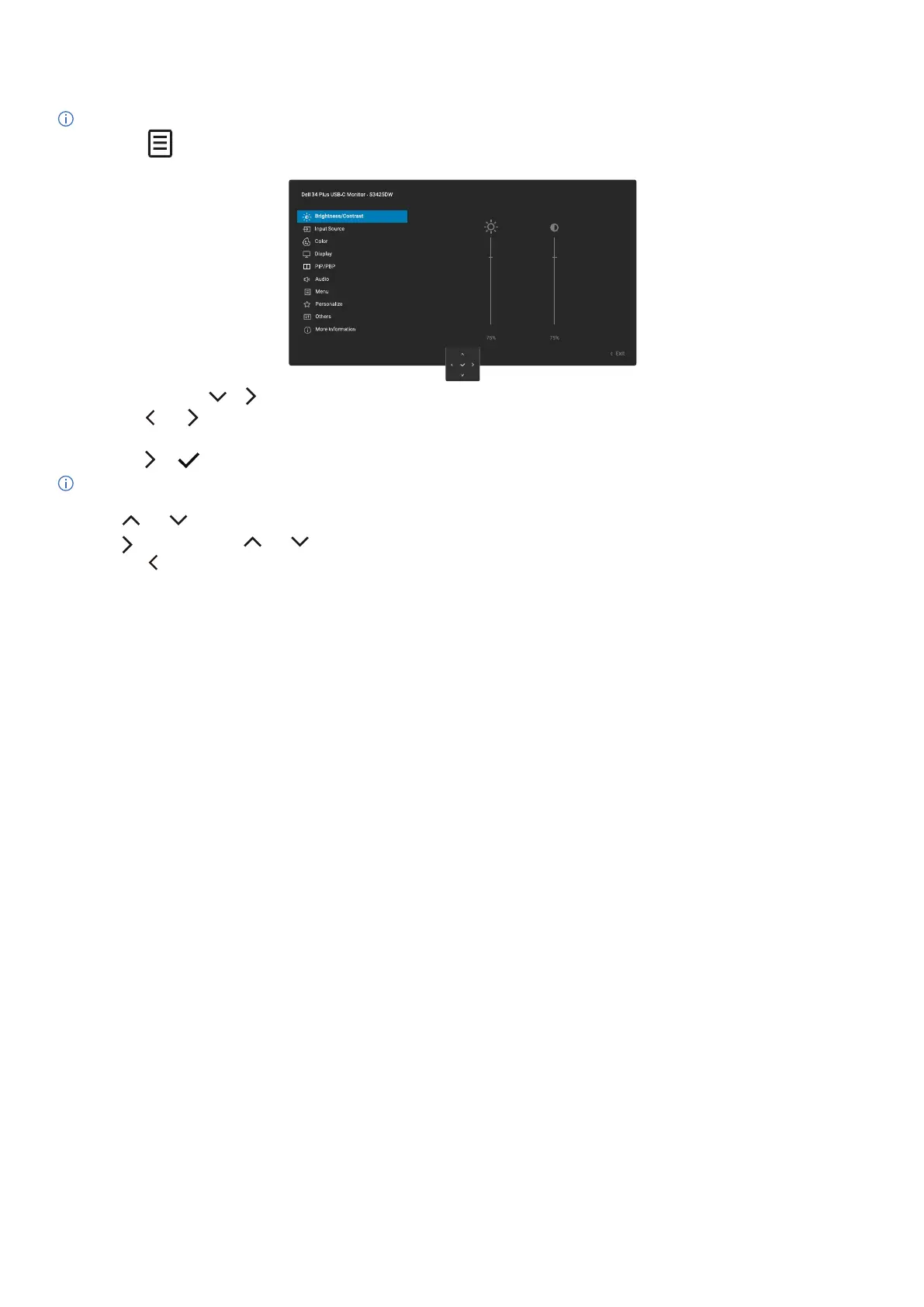
Accessing the menu system
NOTE: After you change the settings, press the joystick to save the changes before exiting or proceeding to another menu.
1. Select the icon to launch the OSD and display the main menu.
2. Press the joystick in or navigation key to activate the highlighted option.
3. Press the and navigation key to move between the setting options. As you move from one icon to another, the option is
highlighted.
4. Press the or navigation key once to activate the highlighted option.
NOTE: The directional buttons (and the OK button) displayed may differ according to the menu you have selected. Use the
available buttons to make your selection.
5. Press and navigation key to select the desired parameter.
6. Press and then use the and navigation key, according to the indicators on the menu, to make your changes.
7. Select the to return to the main menu.



 To Next Page