55
Configuration Configuring the OpenCom 100
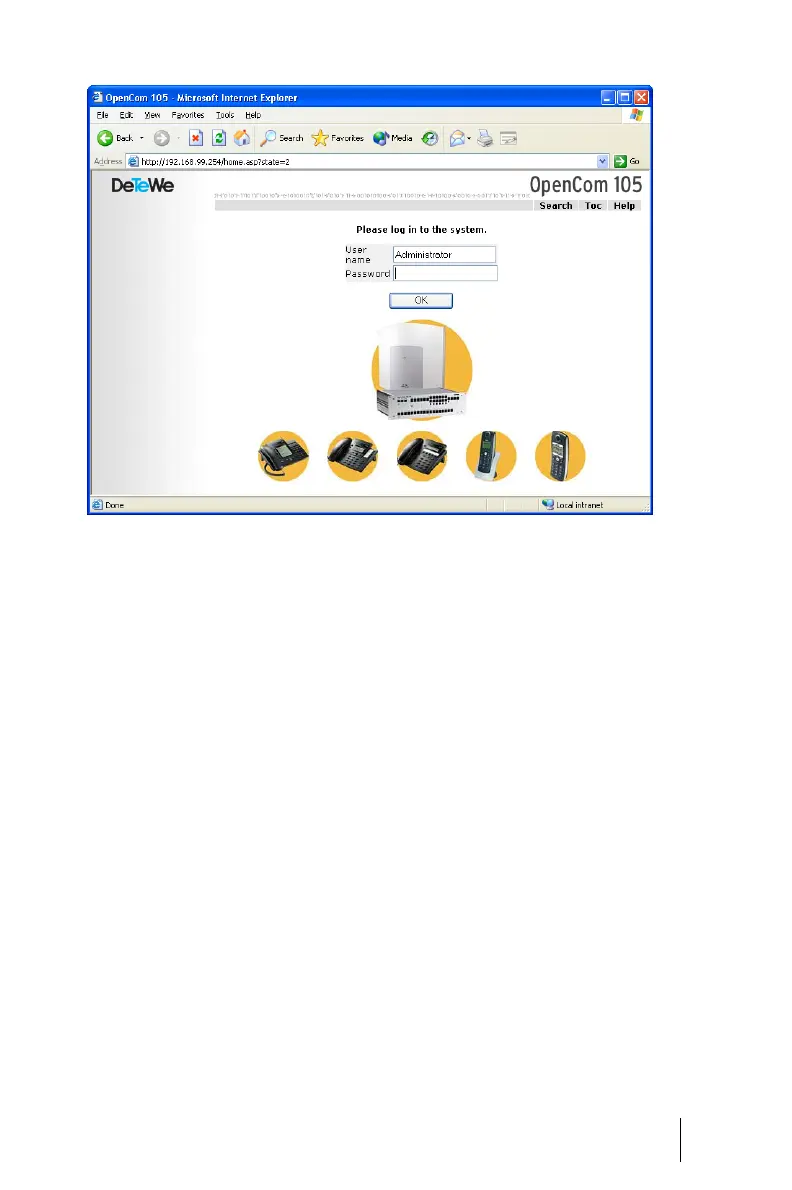
OpenCom 105: log-on dialogue box
3. To commence configuration, you
must first log on. For the initial
configuration, enter your:
- user name: “Administrator”
- password: for the initial config-
uration, leave this box blank.
4. Confirm this by clicking on OK.
This puts all connected termi-
nals into the “Guest” user group
with restricted user rights. In
this way you prevent interna-
tional external calls from the ter-
minals, for example, while you
are configuring the OpenCom
and the users.



 To Next Page