86
Examples of Use Team Functions
showing the status of the indi-
vidual users. The attendant ter-
minal sees the status of the us-
ers and can put calls through by
simply pressing the key.
■ Direct call keys, for example,
can be configured at a terminal
in a conference room in order to
call the secretary.
Team Configuration
You can create teams and program
call keys in the Configurator of the
OpenCom 100 (PBX Configuration:
Groups and Ports: Upn menu).
Call key 1 is preset as a trunk key on
all system telephones. This setting
can be changed by the system ad-
ministrator.
Examples of Use
The following examples illustrate
the various uses of teams and team
functions.
For information on the display texts
and how to use the individual func-
tions, refer to the chapter “Manag-
ing Calls in a Team” in the “Open-
Phone 61, 63, 65” user guide.
Executive/Secretary
Tea m
In this example, the executive/secre-
tary team comprises two members:
the executive and the secretary. The
secretary has one OpenPhone 63
system telephone, and the executive
has two, one of which is used as a
parallel telephone in a sofa suite.
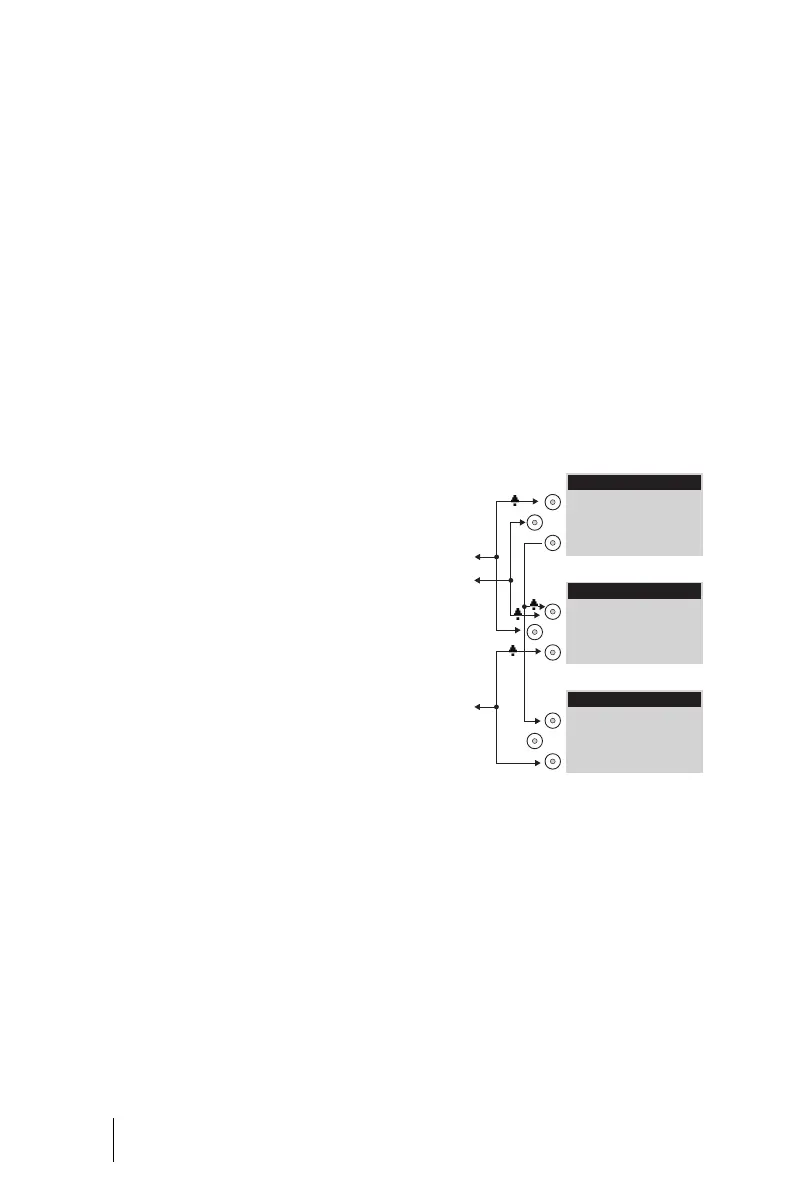
Example: executive/secretary team
Line Seizure
The secretary can be reached on the
call number 11 (trunk key TrK 11:
secretary’s office).
The executive can be reached on the
call number 10 (trunk key TrK 10: ex-
ecutive’s office). He can also answer
calls from his parallel telephone. In
11
10
12
Executive
Executive´s Parallel
Secretary
TrK 11: Secretary
TrK 10: Executive
DK 10: Executive
TrK 10: Executive
TrK 11: Secretary
TrK 12: Private
TrK 10: Executive
TrK 12: Private



 To Next Page