User Manual DEV 1953
48 Copyright DEV Systemtechnik GmbH 2015-2017
to the Start Screen. If the device is accessible again, a new authentication is
required.
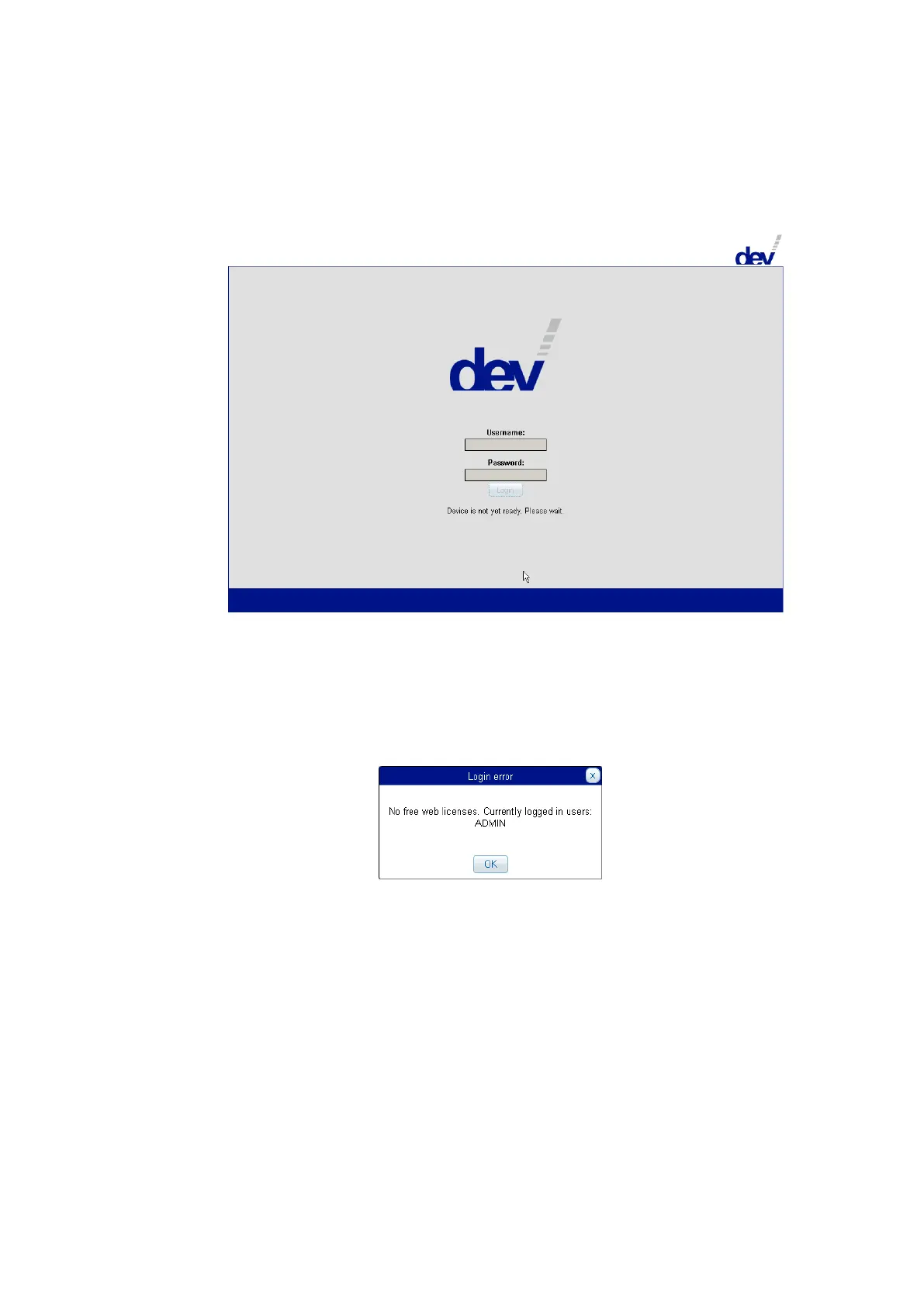
During power-up or after a reset the device displays a different screen:
If the device is operational (again), the screen usually automatically changes to
the Start Screen, thus enables the input fields to be edited; if not, please use
the refresh functionality of your web browser (e.g. the function key F5).
The Web Interface permits the definition of a number of users for accessing the
Web Interface in parallel (in accordance to the number of installed licenses). An
additional user who tries to log in receives a corresponding notification
informing about the logged in user(s), e.g.
It is recommended to add users AND to change the password of the factory de-
fault account. How this is to be done is subject of chapters 5.5.7.1.2 & 5.5.7.1.1.
The language of the screenshots shown here is English, as a second language
currently German is available (chapter 5.5.7.1.1).



 To Next Page