User Manual DEV 1953
Copyright DEV Systemtechnik GmbH 2015-2017 51
5.5.4 Control Tab
The main purpose of the Control Tab is the switching of the device. Additionally, it
provides means for changing module specific settings.
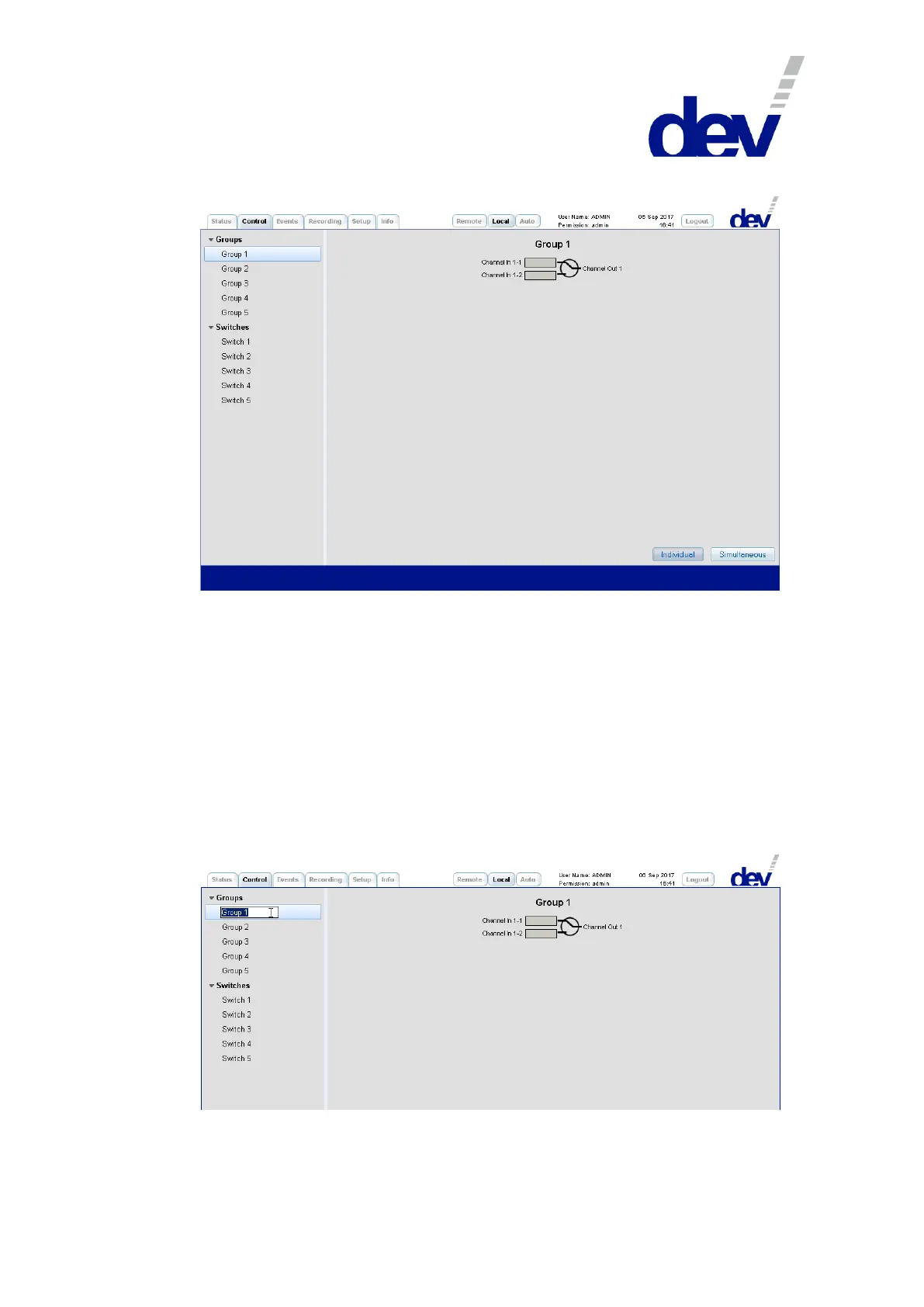
On the left side, the Control Tab contains the structuring entries "Groups" and
"Switches" in order to branch to the different functionalities of the device. The
number of items within both entries (initially) corresponds to the number of
installed switch modules and the name of each entry ("Group X" or "Switch X") is the
descriptive designator; with "X" (initially) indicating the slot location of the detected
module. Each switch module has to be member of a switch group and initially each
module is assigned to a separate group that is named correspondingly. This group
assignment can be changed, please refer to chapter 5.5.7.3.3.
The descriptive designator ("Group X", "Switch X") can be edited by double-clicking the
specific item:
Note that on the right side in a group panel or in a switch panel, the port names
(here "Channel In 1-1", "Channel In 1-2", & "Channel Out 1") can be edited in the same manner.



 To Next Page