[Admin Settings] 3-77
[Paper Empty]
" All factory default values are shown in bold.
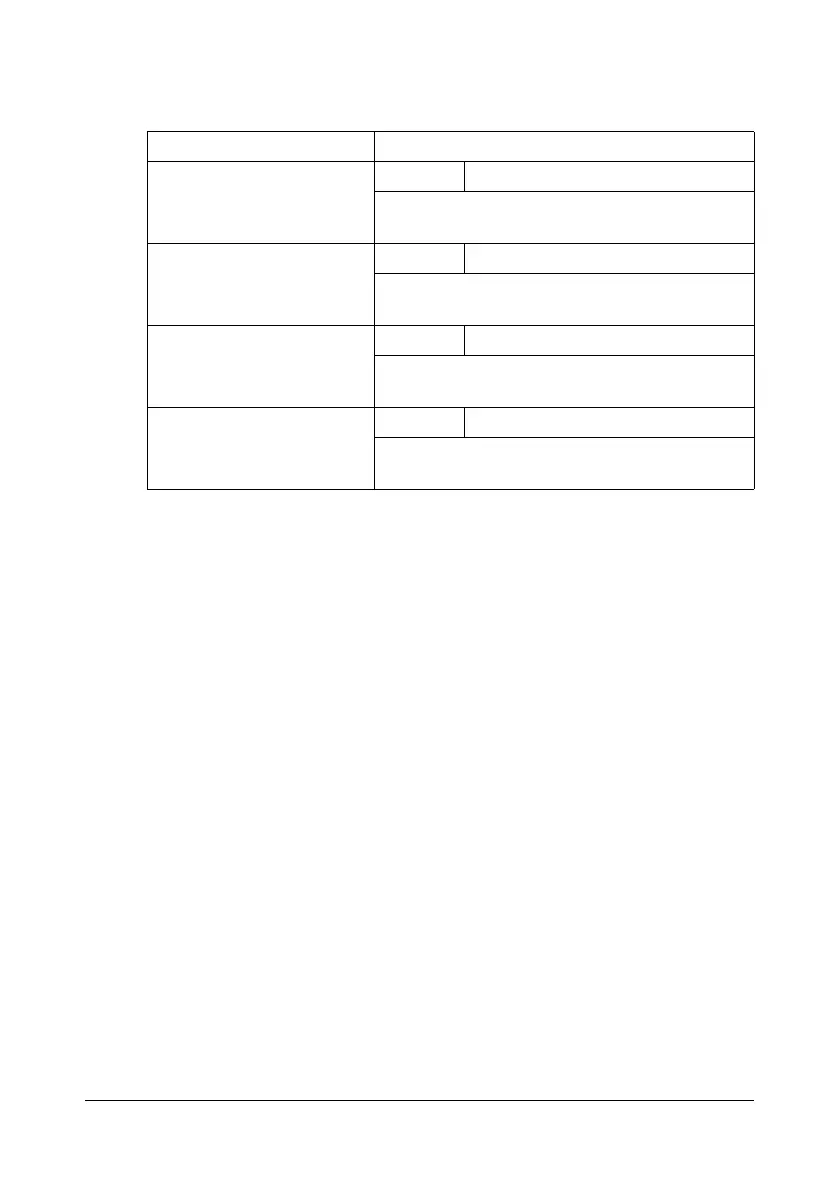
Item Description
[Tray 1] Settings [ON] / [OFF]
Select whether or not a message appears
when Tray 1 has run out of paper.
[Tray 2] Settings [ON] / [OFF]
Select whether or not a message appears
when Tray 2 has run out of paper.
[Tray 3] Settings [ON] / [OFF]
Select whether or not a message appears
when Tray 3 has run out of paper.
[Tray 4] Settings [ON] / [OFF]
Select whether or not a message appears
when Tray 4 has run out of paper.












 To Next Page