[Separate Scan] 7-11
" Using the keypad, the number of copies can be changed.
" To print another proof copy, press [Proof Copy].
" To change the settings, press [Cancel], and then perform steps 2
through 8.
9 Press [Print].
The remaining number of copies is printed.
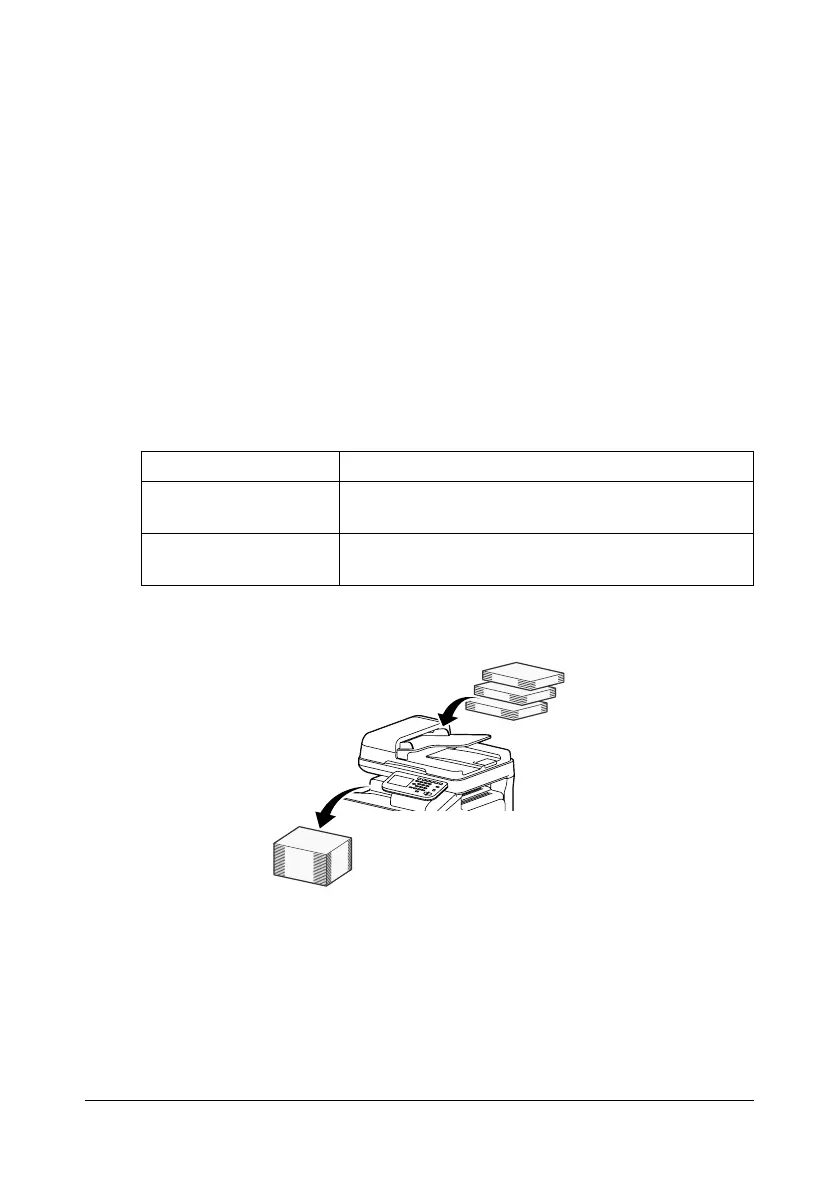
[Separate Scan]
The scan operation can be divided into several sessions, for example, when
all pages of a document cannot be loaded into the ADF, and then the scanned
pages can be treated as a single copy job. In addition, the scanning location
can be switched between the original glass and the ADF during the scanning
operation.
Scanning the document in separate batches
" Do not load more pages into the ADF than the maximum number of
pages allowed, otherwise a document misfeed or damage to the docu-
ment may occur.
" When sorting or making double-sided or combined copies using the
original glass, instead of using the Separate Scan operation, the docu-
ment can be scanned as a multiple-page document.
Item Description
[ON] Select this setting to perform a Separate Scan
operation.
[OFF] Select this setting to not perform a Separate Scan
operation.












 To Next Page