[Address Registration]3-8
[Address Registration]
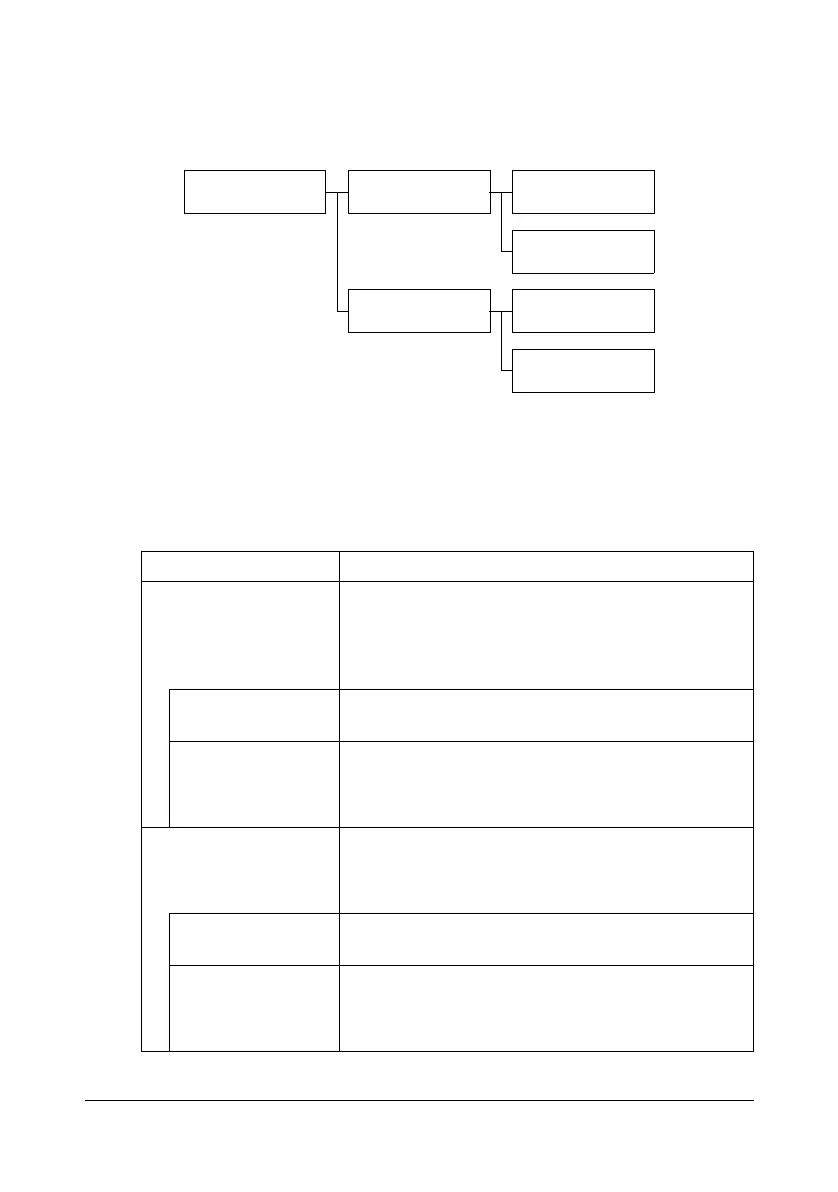
From the [Address Registration] screen, E-mail and fax destinations can be
registered and viewed.
1 Press the [Utility/Counter] key.
2 Press [Address Registration].
" [Address Registration] does not appear if only account track settings
have been specified and no user is logged on with an account.
Item Description
[E-mail] Destinations for E-mail transmissions can be regis-
tered and viewed.
For details on registering, refer to “Registering an
address book destination” on page 10-34.
[Details] Press to view the details for the selected destina-
tion.
[New] Press to register a new destination.
Specify settings for [No.], [Name], [E-mail], [Favor-
ites] and [Index].
[Fax] Fax destinations can be registered and viewed.
For details on registering, refer to the [Facsimile
User’s Guide].
[Details] Press to view the details for the selected destina-
tion.
[New] Press to register a new destination.
Specify settings for [No.], [Name], [Fax number],
[Favorites], [Index] and [Line Settings].
Fax
Address
Registration
E-mail Details
New
Details
New












 To Next Page