Touch panel screens2-8
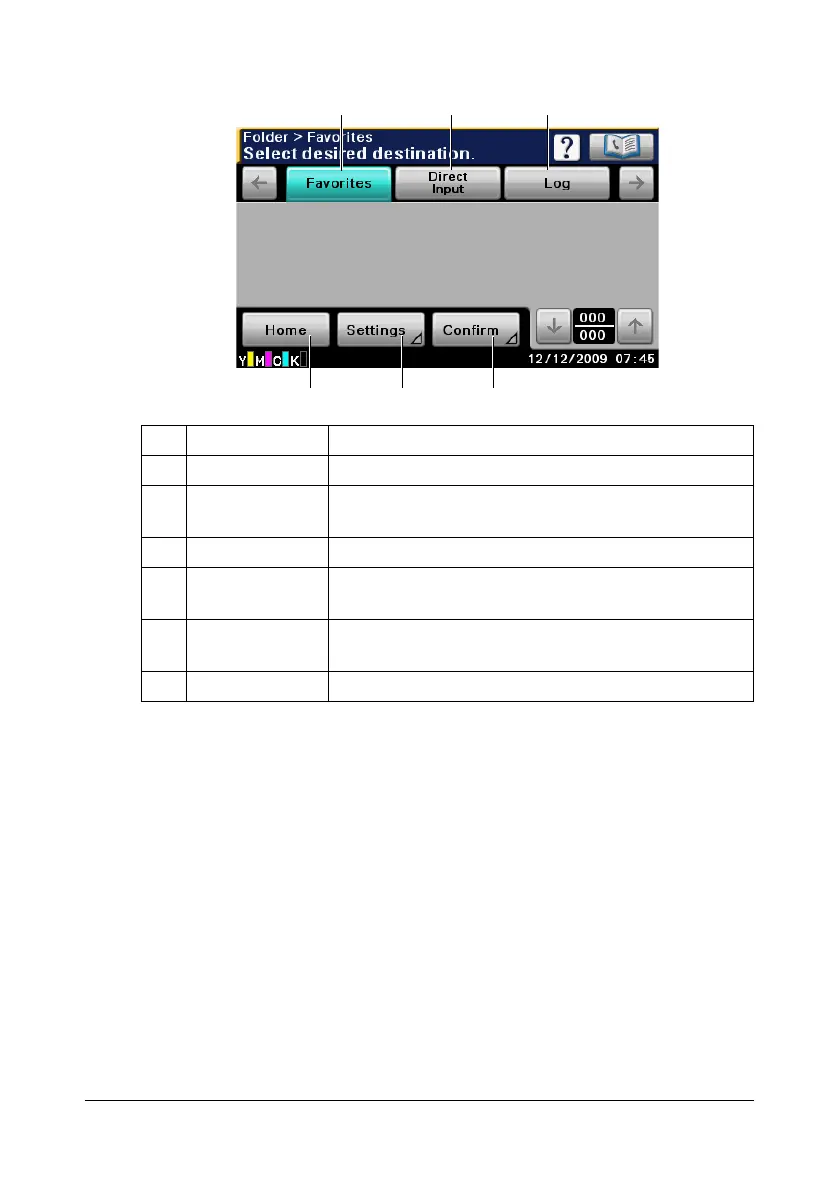
Initial Scan to Folder mode screen
No. Indication Description
1 [Favorites] Press to display frequently used destinations.
2 [Direct Input] Press to directly enter an address of the selected
destination type.
3 [Log] Press to specify a destination from the log.
4 [Confirm] Press to check the currently specified Scan to Folder
mode settings.
5 [Settings] Press to specify settings such as the document
scanning method.
6 [Home] Press to return to the home screen.
456
231












 To Next Page