Touch panel screens2-12
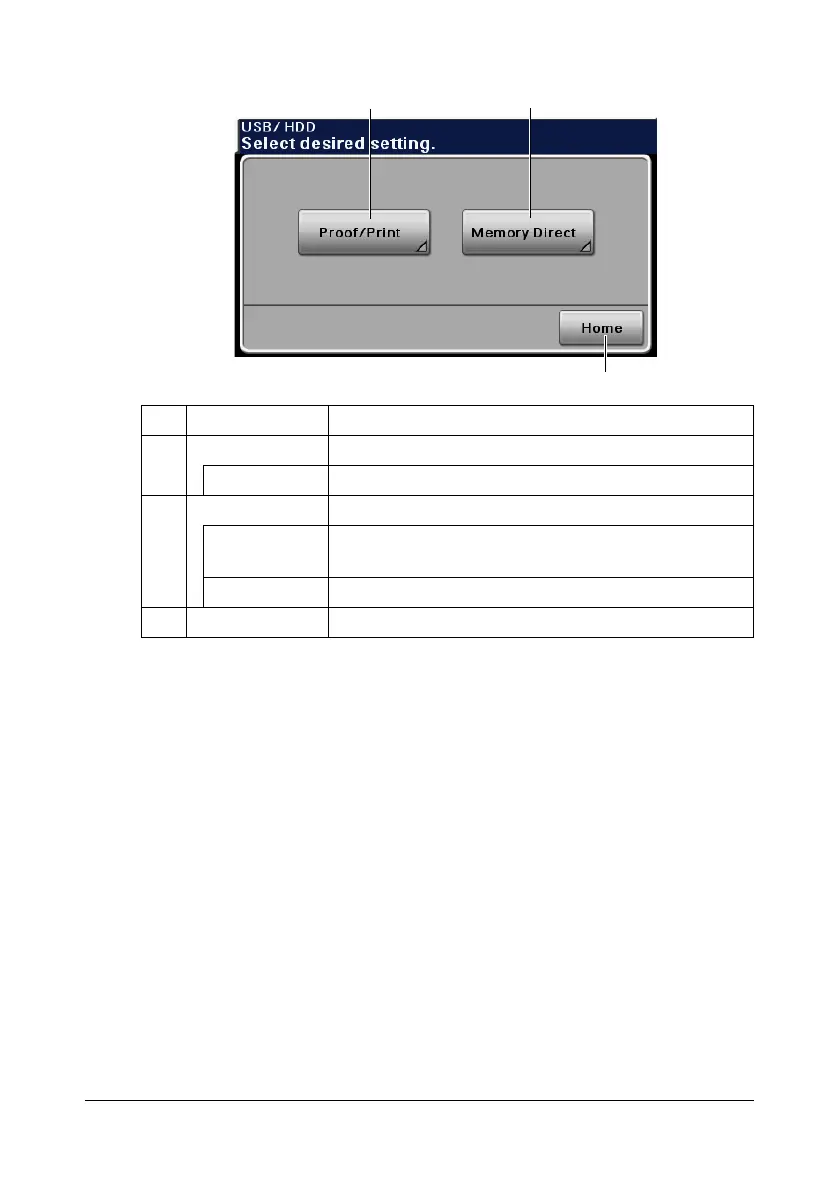
USB/HDD screen
" For details on the Proof/Print function, refer to “Proof/Print” on
page 6-2.
" For details on the Memory Direct function, refer to “Memory Direct” on
page 6-3.
No. Indication Description
1 [Proof/Print] Press to print a print job saved on hard disk.
[User Name] Select a user.
2 [Memory Direct] Press to print files on a USB memory device.
[File List] Select the file to be printed. In addition, print settings
can be specified.
[File Type] Select the type of files to be displayed.
3 [Home] Press to return to the home screen.
21
3












 To Next Page