Lower Feeder Unit PF-P0814-4
Installing a Lower Feeder Unit PF-P08
Note
Since consumables are installed in the machine, be sure to keep the
printer level when moving it in order to prevent accidental spills.
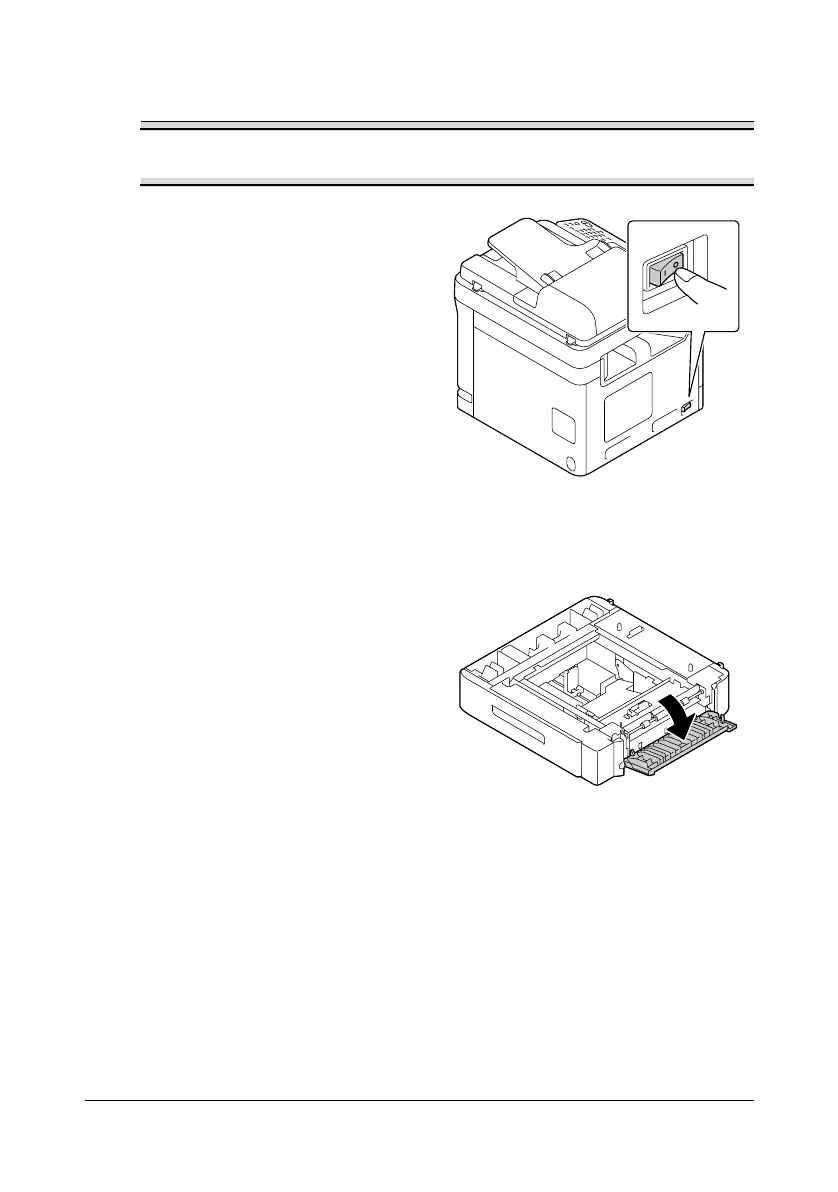
1 Turn off the machine and discon-
nect the power cord and inter-
face cables.
2 Prepare the lower feeder unit.
" Be sure to place the lower feeder unit on a level surface.
3 Open the right side cover of the
lower feeder unit.
" The right side cover of the lower feeder must be opened before the
feeder can be installed onto the machine.












 To Next Page