Replacing Consumables 11-17
Replacing the Waste Toner Bottle
When the waste toner bottle becomes full, the message [Waste Toner Box
Full] appears in the message window. The machine stops and will not start
again until the waste toner bottle is replaced.
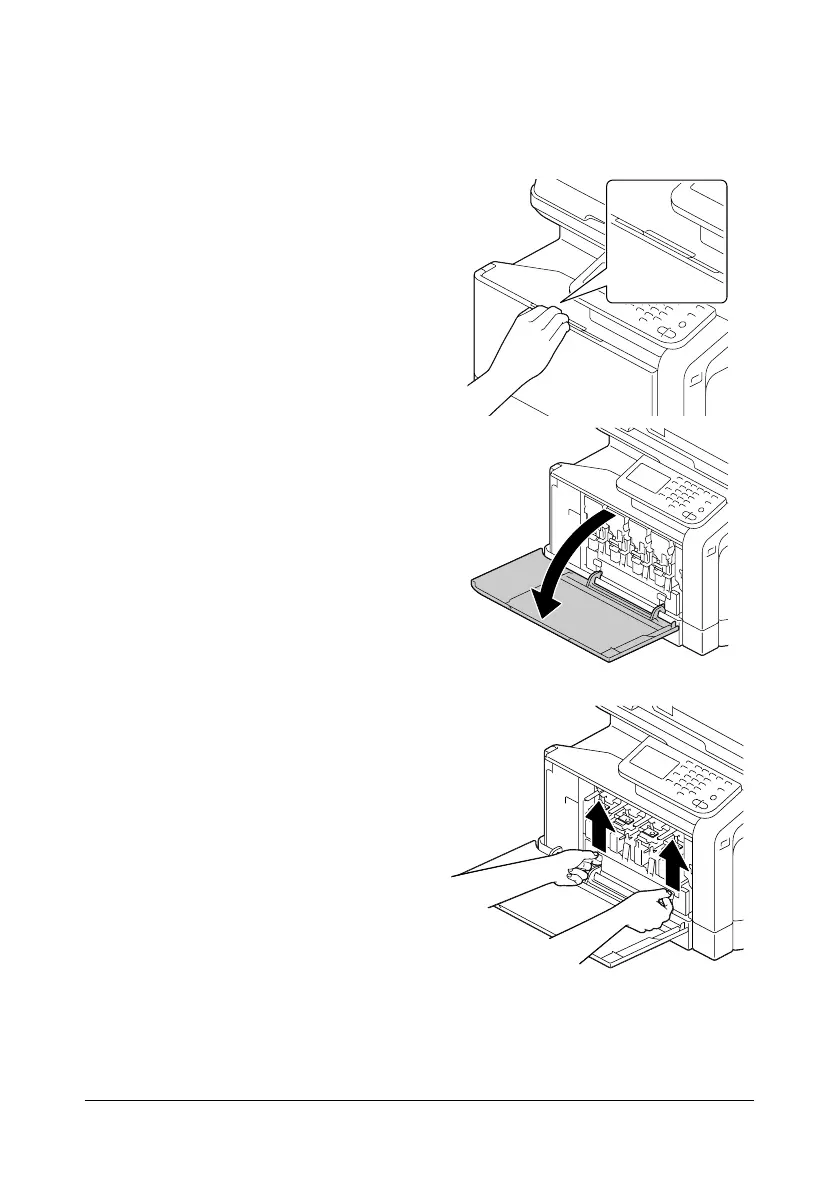
1 Open the machine’s front cover.
2 Pull up the waste toner bottle to
unlock it.












 To Next Page