Replacing Consumables11-22
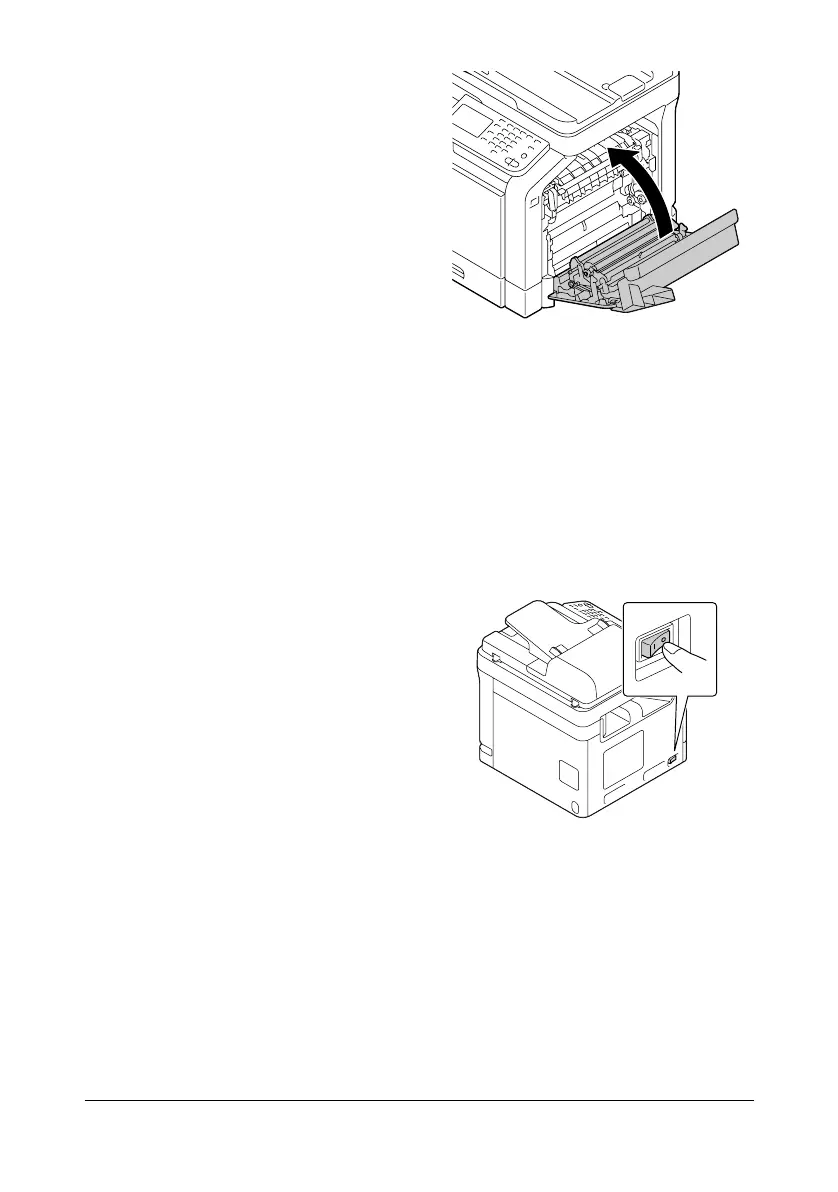
7 Close the right door.
8 Reset the counter in the [Admin Settings]/[Maintenance Menu]/[Supplies]/
[Consumables Replace]/[Transfer Roller Unit] menu.
Replacing the Transfer Belt Unit
When the time to replace the transfer belt unit is reached, the message
[Replace image transfer belt.] appears. Printing can continue even after this
message appears; however, since the print quality is reduced, the transfer
belt unit should be replaced immediately.
1 Turn off the machine and discon-
nect the power cord and inter-
face cover.












 To Next Page