Replacing Consumables 11-13
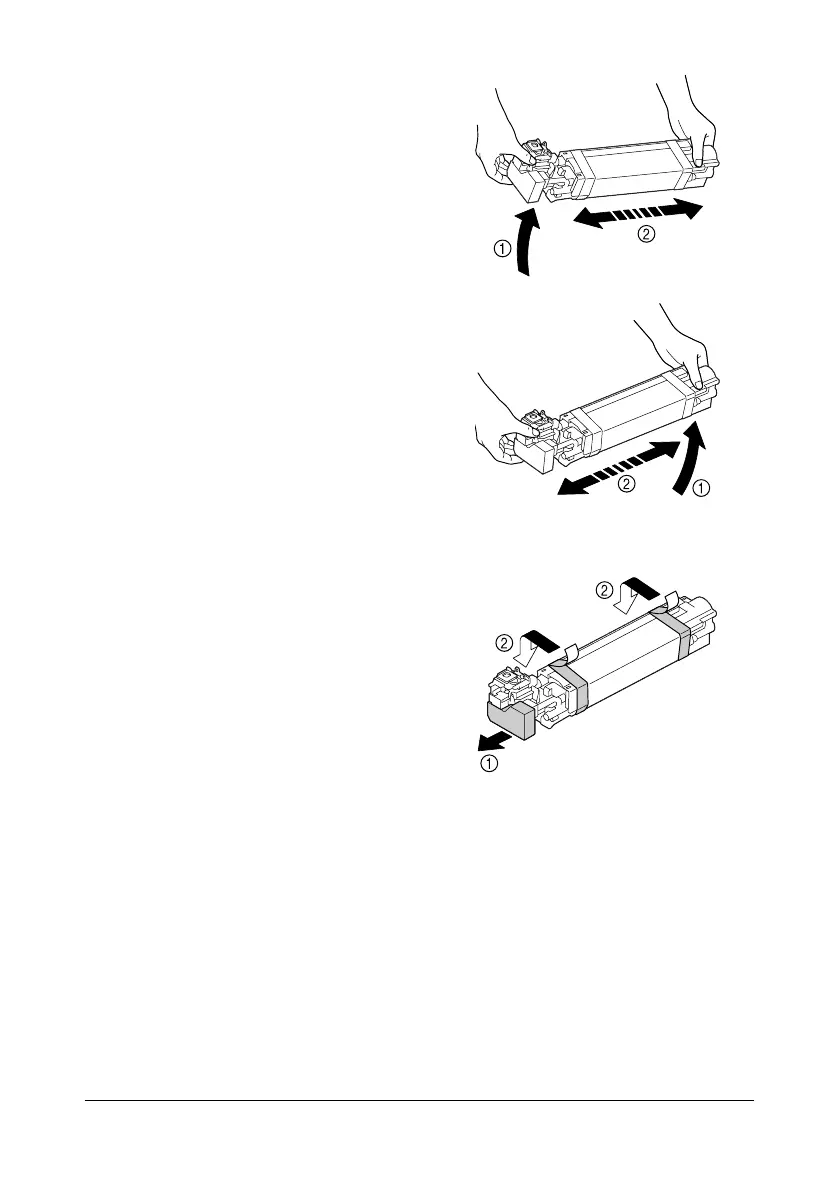
10 Hold the imaging unit with both
hands, and then shake it twice
as shown in the illustration.
" Do not grab the bottom of
the bag; otherwise, the
imaging unit may be
damaged, resulting in
decreased print quality.
11 Remove the protective cover
from the imaging unit.
Remove all packing tape from
the imaging unit












 To Next Page