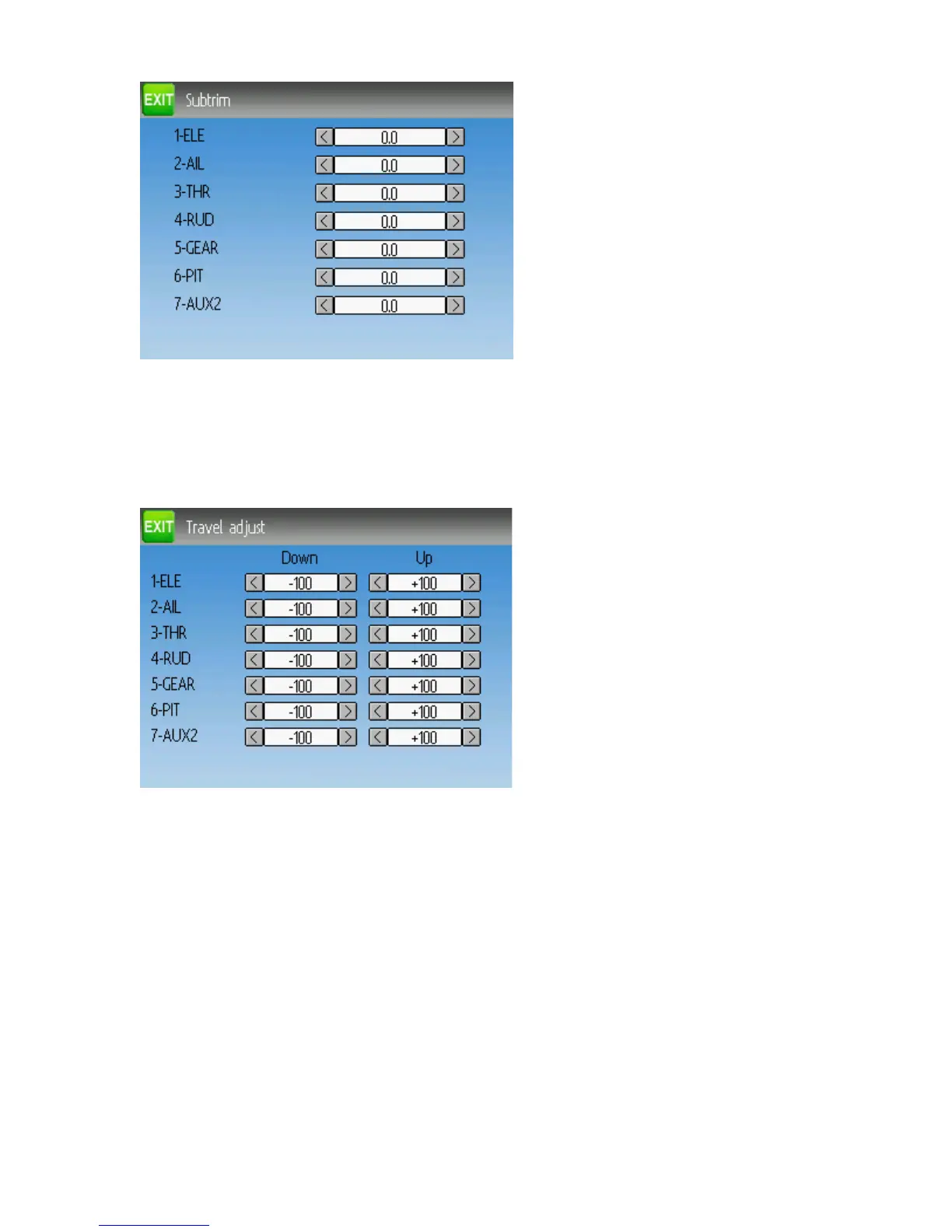
Sub-trim Adjustment (Standard GUI)
The sub-trim adjust page allows setting the zero-point of the servos for each channel.
This is equivalent to the ‘Subtrim’ setting on the Channel Configuration sub-page of the
Mixer menu when using the Advanced Mixer (see page 21)
Servo Travel Adjust (Standard GUI)
The servo-travel adjust page configures the maximum positive/negative travel of each
servo. This is equivalent to the ‘Scale+’ and ‘Scale-’ settings on the Channel
Configuration sub-page of the Mixer menu when using the Advanced Mixer (see page
21)
Page | 32


 To Next Page