LT-2320
11
NOTIFICATIONS, AUDIBLE ALERTS AND SERVICE CODES
Notifications and Audible Alerts
NOTE: To disable notications from the patient’s view, select CPAP Settings in the Clinical menu and remove the 9 from Notications in the
Enable menu.
Some notications are timed reminders to clean or replace components. Dismiss from the Display by button-press or knob-movement.
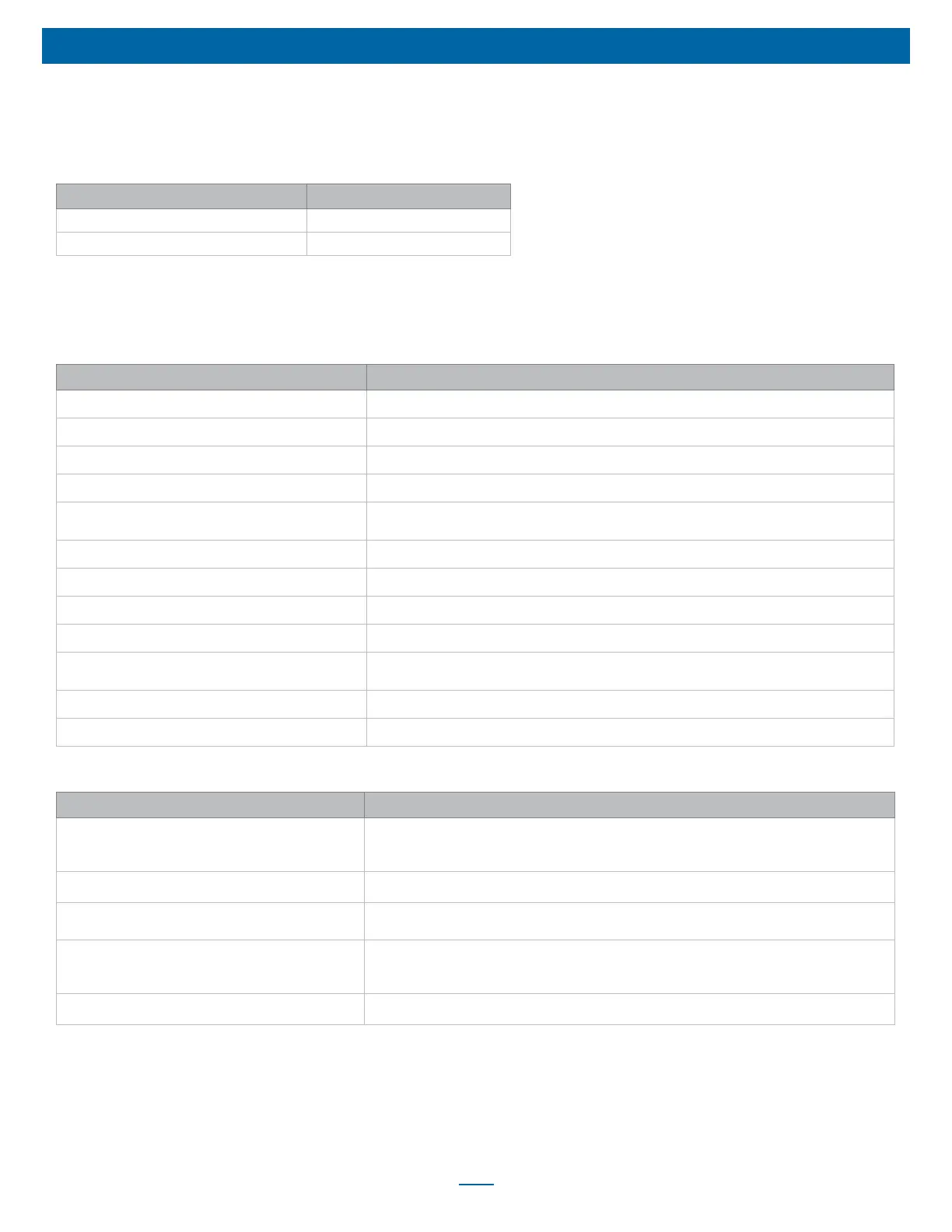
Displayed Message Recurrence interval
Air Intake Filter Due for Cleaning 50 hours of while breathing use time
Mask, Tubing and Chamber Due for Cleaning 35 hours of while breathing use time
Some notications have audible alerts. Audible alerts signify that attention should be given to the message on the Display. Dismiss from the
Display by button press or knob movement.
Some notications are in response to a condition or action. These may be informational or may require action. Dismiss from the Display by
button press or knob movement.
Displayed Message Condition for Occurrence
Mask Off Please Check Mask Fit 10 seconds after mask off condition detected.
Auto-STOP Detected When an Auto-STOP condition occurs.
Auto-START Detected When an Auto-START condition occurs.
Wake-Up Alert <current time> with audible alert When wakeup alert setting is enabled, and wake alarm time is reached on device
Card Detected Please Wait … with audible alert When SD card is detected. (Removing SD card while this message is displayed may corrupt the
download.)
Card Detected Ready for use with audible alert When valid SD Card is inserted.
Card Removed Send to Provider with audible alert When SD card is removed.
Card Error Contact Provider with audible alert CPAP detects an error with the format or read/write of the SD card
Settings Not Updated Contact Provider with audible alert When new settings did not transfer from SD card
Error with Code, Prescription Not Updated with audible
alert
When SmartCode Rx is entered but code is incorrect.
Card Transfer Successful When data transfer complete.
Firmware Update Please Wait … When SD Card containing rmware update is inserted.
Some notications are displayed when Add-On items are in use. Dismiss from the Display by button press or knob movement.
Displayed Message with Audible Alert Condition for Occurrence
Oximeter Logging Started
SpO2 _____
Pulse Rate _____
When Oximeter is rst detected and logging starts
Oximeter Logging Stopped When Oximeter signal is lost and logging stops
Oximeter Finger Probe Off When Oximeter nger probe off condition detected
Oximeter Finger Probe On
SpO2 _____
Pulse Rate _____
When Oximeter nger probe off condition corrected
Wireless Modem Low Battery, Please Recharge When DV6WM is paired and battery level is low (below 20%)













 To Next Page