22 Chapter 3: Home Screen Overview
Dexcom G6
®
System • Using Your G6
Where You Have Been
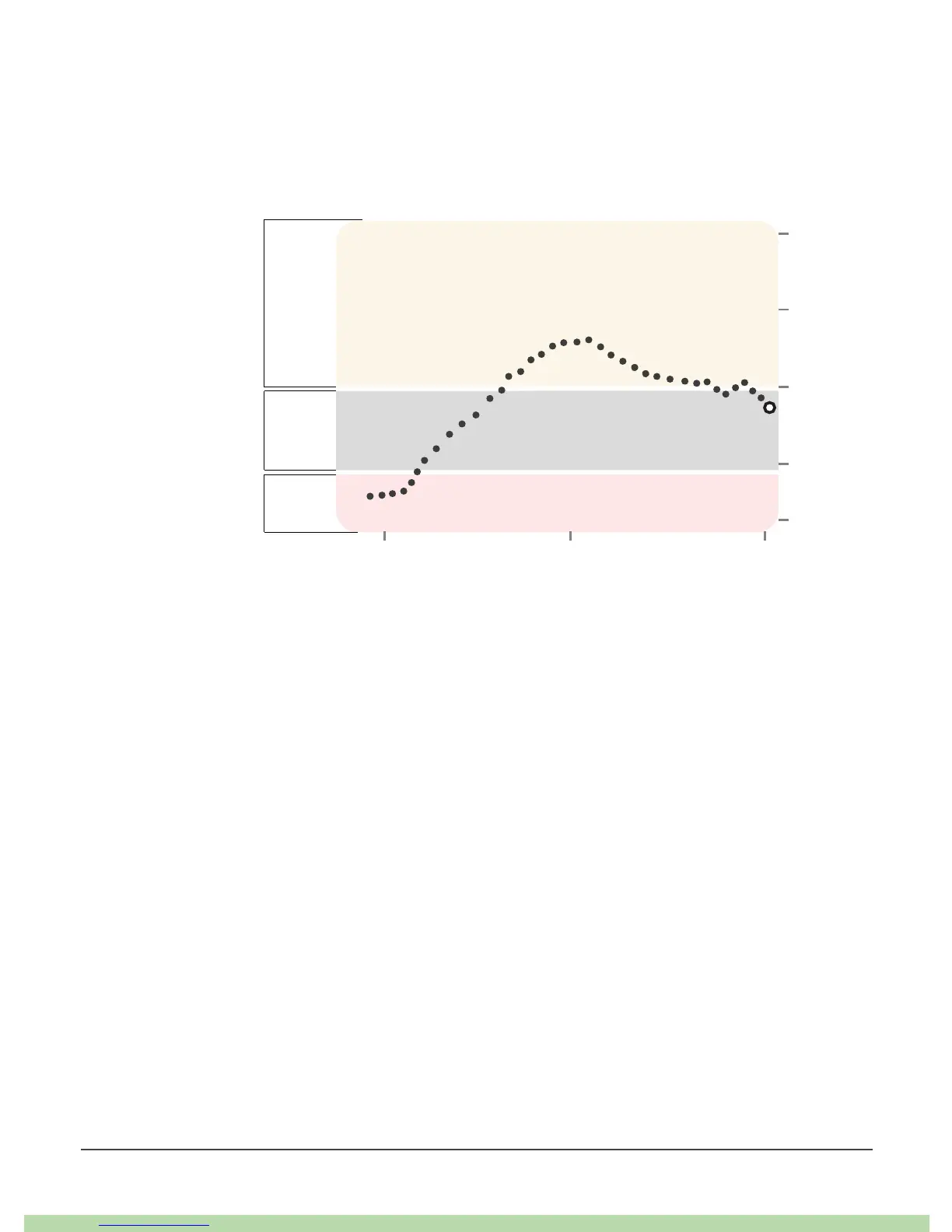
The dot on the right is the current G6 reading. The dots to the left are G6 readings
taken earlier.
The graph background colors show where your G6 readings are:
The graph smooths past G6 readings so you can clearly see where your glucose is
heading. Because of this, there may be some differences between the G6 reading
displayed in your trend arrow and the past G6 readings you see in your graph.



 To Next Page