25Chapter 3: Home Screen Overview 25
Dexcom G6
®
System • Using Your G6
3.4 See Past G6 Readings
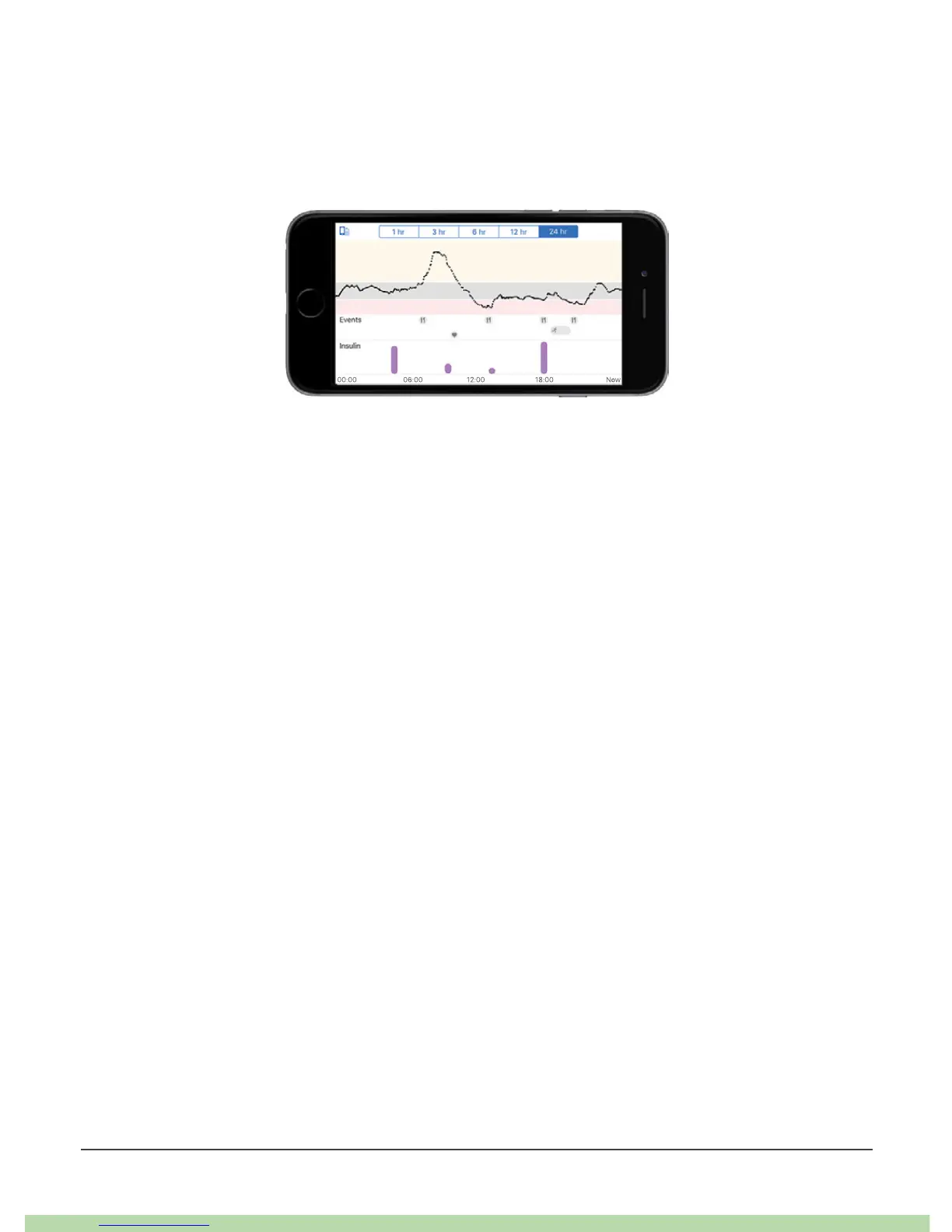
On the app, to see your graph over 1, 3, 6, 12, and 24 hours (with events), turn your
smart device on its side (for landscape view) and tap the tabs at the top of the
screen.
On the receiver, tap the graph to switch between 1-, 3-, 6-, 12-, and 24-hour views.



 To Next Page