27Chapter 4: Alarm and Alerts 27
Dexcom G6
®
System • Using Your G6
What You See What It Means
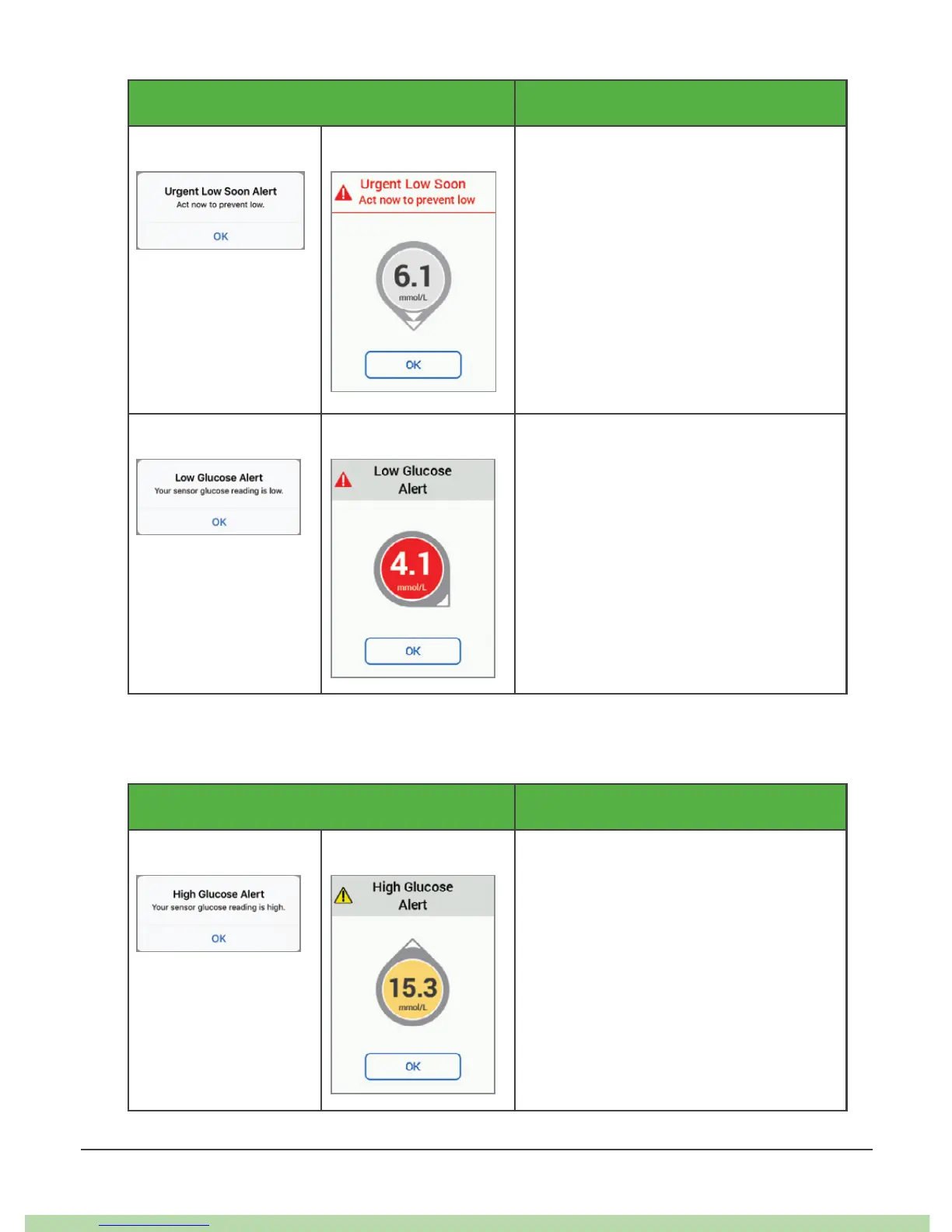
App Receiver Urgent Low Soon Alert
Lets you know you are falling fast.
You will be at or below 3.1 mmol/L
within 20 minutes regardless of
where you are now.
You can change your Urgent Low
Soon alert:
• On by default; can be turned off
• Choose sound
App Receiver Low Glucose Alert (Low Alert)
Lets you know your G6 reading is
below your target range, but you
are not falling fast enough to get an
Urgent Low Soon Alert.
You can change your Low Alert:
• On by default; can be turned off
• Choose the alert level and sound
4.2 High Alert
What You See What It Means
App Receiver High Glucose Alert (High Alert)
Lets you know when your G6 sensor
reading is above your target range.
You can change your High Alert:
• On by default; can be turned off
• Choose the alert level and sound



 To Next Page