59Appendix A: Troubleshooting 59
Dexcom G6
®
System • Using Your G6
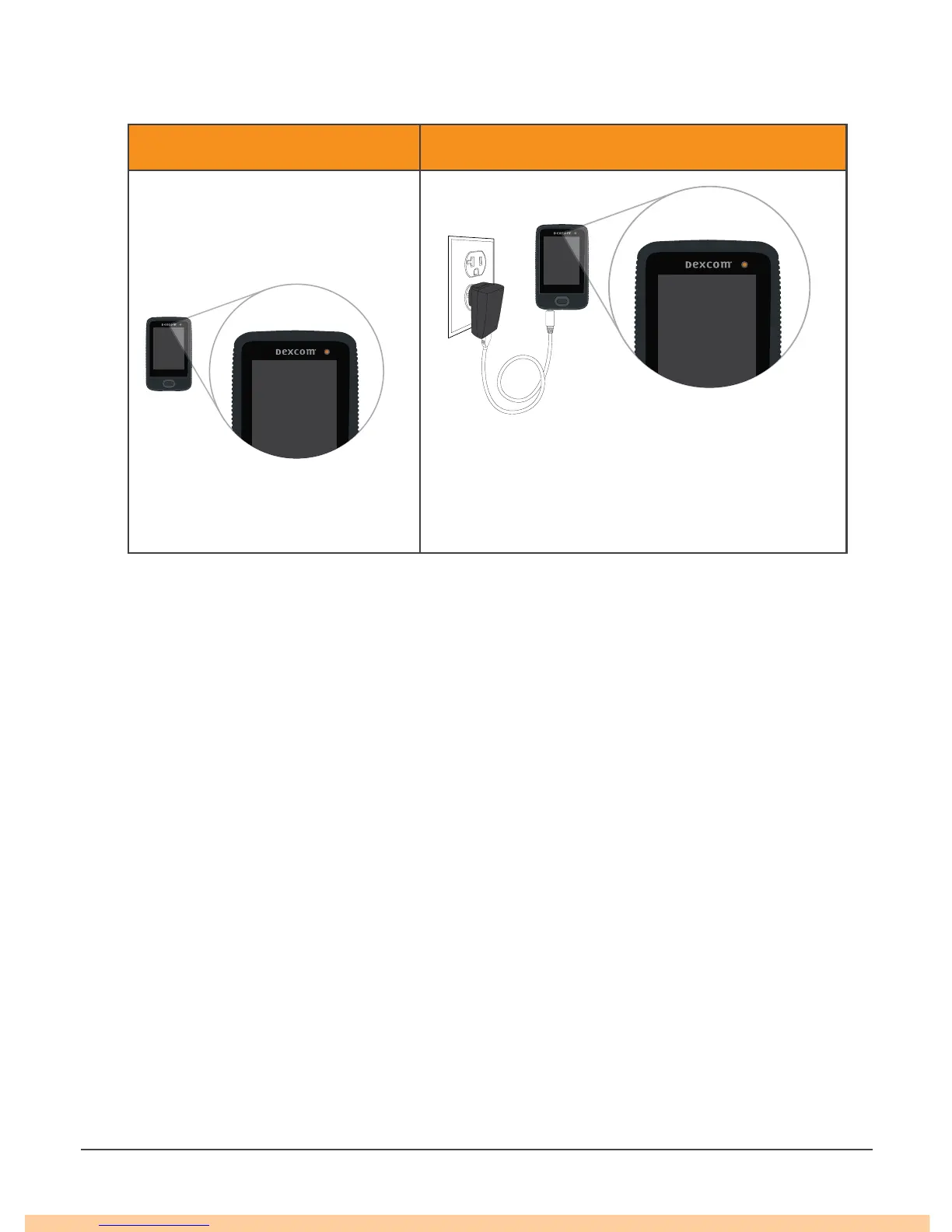
A.9 Recharge Receiver
Issue Solution
Receiver charge light is on or
Receiver will not turn on
Receiver needs to be charged
• Charge receiver using electrical outlet, not
computer/laptop
• Full charge may take up to 3 hours
A.10 Start Sensor Session Without Sensor Code
Do you want to start a sensor session now, but do not have the sensor code? The
sensor code is on the applicator adhesive backing. Use only the sensor code from
the applicator you insert; do not use other codes. The right sensor code makes the
G6 work without prompting you to calibrate every day.
But even if you do not have a sensor code, you can still use the sensor. Throughout
your sensor session, you will be prompted to calibrate daily. (See Calibration Prompt
in section A.6 Common Alerts.)
Follow the prompts for Set Up Without Sensor Code.



 To Next Page