65Appendix A: Troubleshooting 65
Dexcom G6
®
System • Using Your G6
9
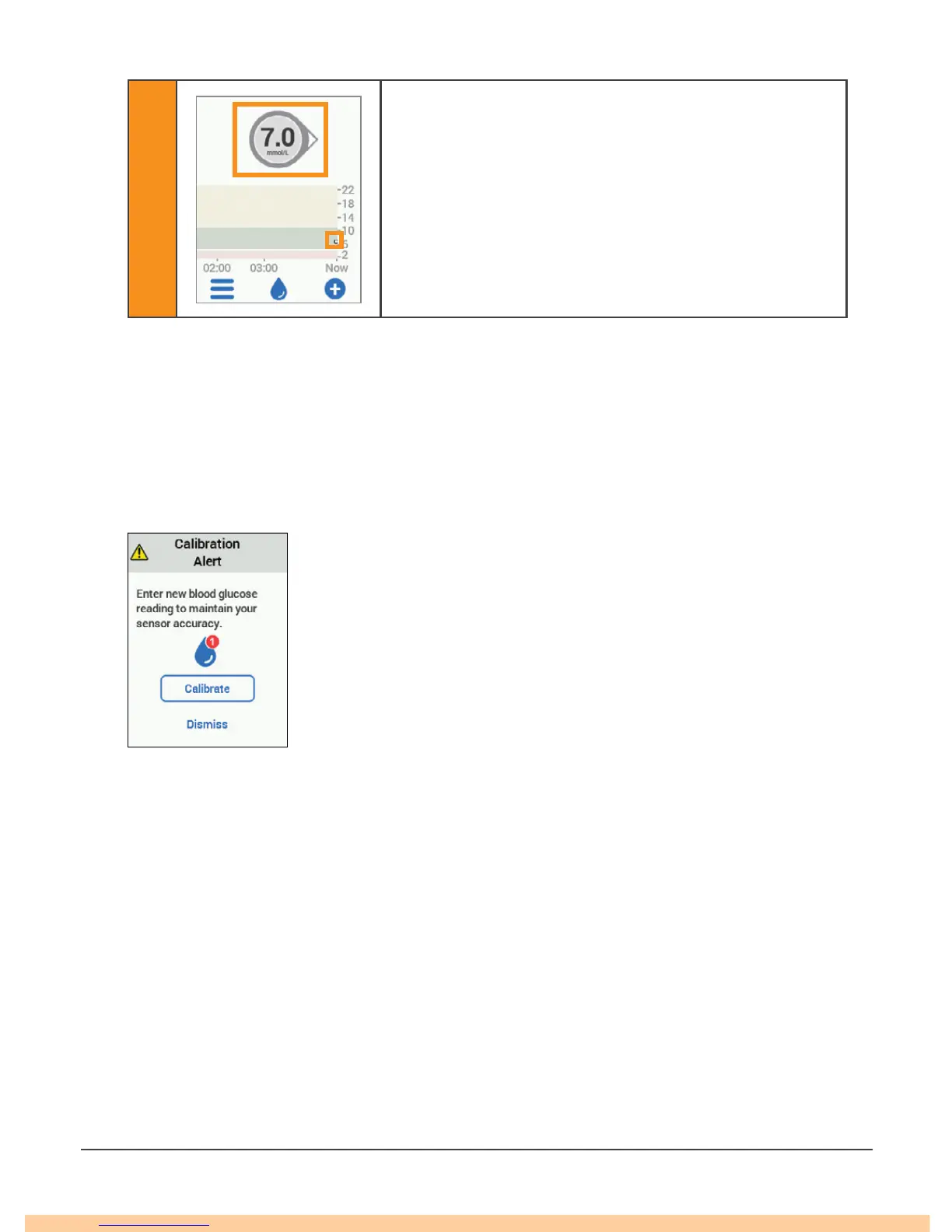
Five minutes after entering your second calibration,
look for your first G6 reading!
Each dot is a G6 reading taken every 5 minutes.
Twelve hours later, it reminds you to calibrate again. Then in another 12 hours, you
get another reminder. For the rest of your sensor session, the G6 prompts you to
calibrate once every 24 hours.
Make sure you calibrate when prompted. And make sure you thoroughly clean your
hands before taking a fingerstick. If you do not, your G6 readings may not be aligned
with your meter. In other words: Do not wait – calibrate!
If using the app and receiver, just enter your calibration in
one. In less than 10 minutes, the transmitter will send the
information to the other device.
A.11 Water and the G6
Once snapped into place, the transmitter is water resistant, but the receiver is not.
Swim, shower, take a bath: no need to worry about water and your G6 – just leave
your receiver in a dry area.
If you are in water, your display device needs to be closer than 6 meters to get
G6 readings.



 To Next Page