37Chapter 6: Ending Your Sensor Session 37
Dexcom G6
®
System • Using Your G6
Chapter 6: Ending Your Sensor
Session
Each sensor session lasts 10 days.
Settings show when your current session ends. Your G6 alerts you when you have
6 hours left in your session, then 2 hours, and finally, 30 minutes. You can end your
session anytime during this period or wait for your final alert letting you know your
session has ended.
Want to end your session earlier? See Appendix A Troubleshooting.
Remember, after your sensor session has ended, you will not get any G6 readings.
To resume getting G6 readings, follow the steps below to remove the old sensor,
then insert a new one, and complete the sensor warmup.
6.1 Remove Your Sensor
Follow these steps to:
• Take your sensor off your body
• Remove your transmitter from the holder
1
App Receiver
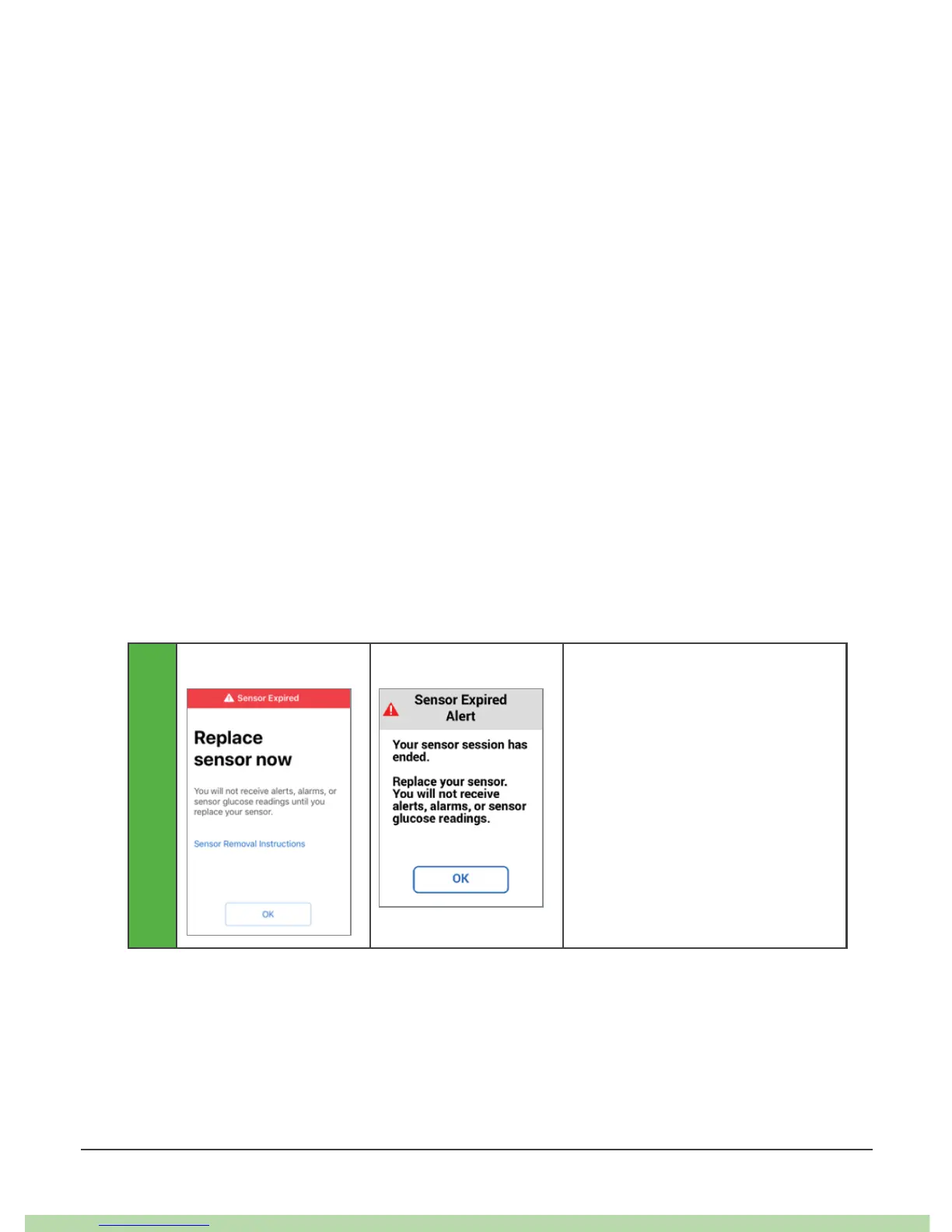
G6 lets you know when to
replace sensor.



 To Next Page