2 Chapter 1: Welcome!
Dexcom G6
®
System • Using Your G6
Chapter 1: Welcome!
Congratulations on making the Dexcom G6
®
Continuous Glucose Monitoring (CGM)
System (G6) part of your life!
1.1 Get Started
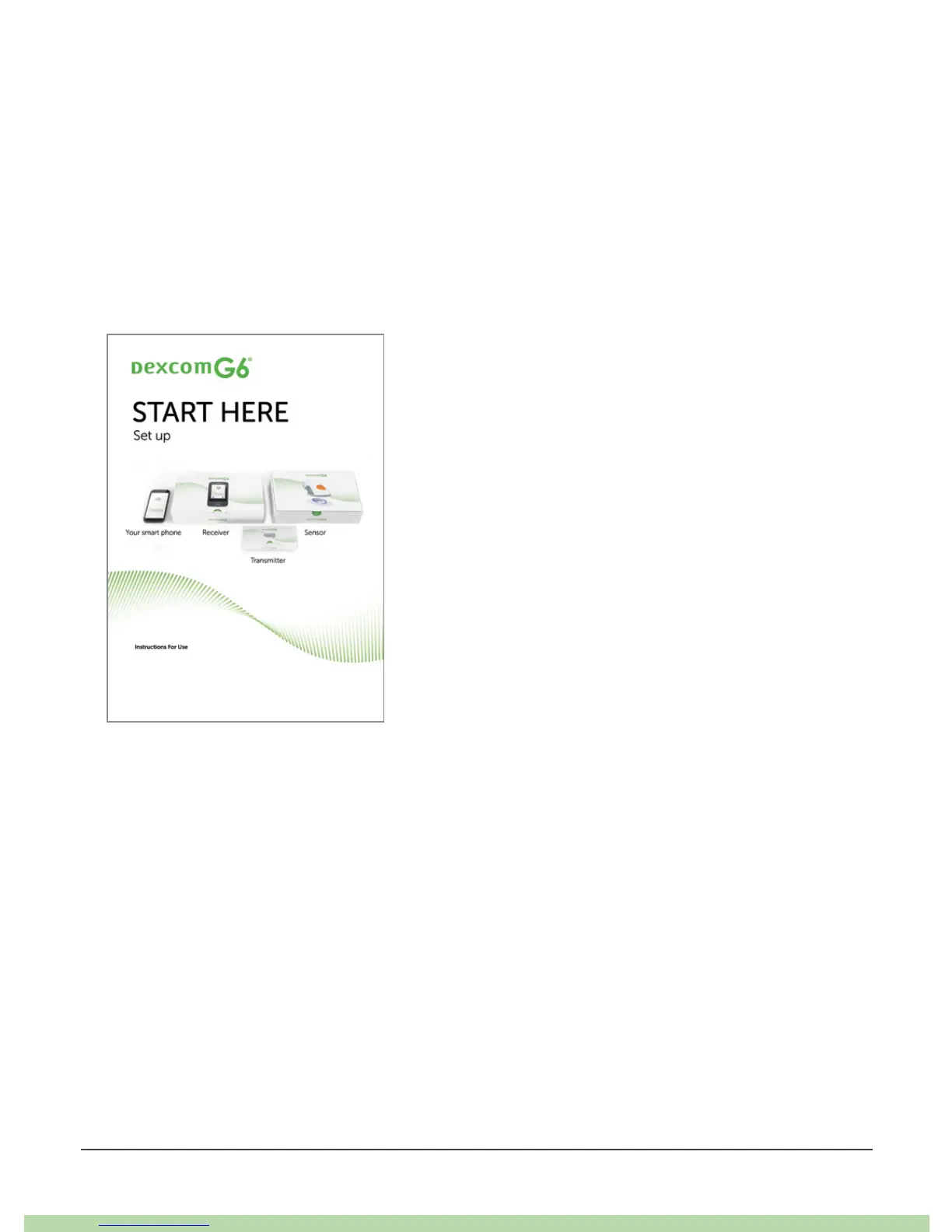
To set up your G6, use the instructions in your Start Here guide or follow the steps in
the tutorial (available at dexcom.com/IFU/g6/international).
Both the tutorial and this guide, Using Your G6, introduce you to the home screen,
guide you through making treatment decisions, and show you how to end your
sensor session. In addition, this guide shows you how to customize your alert
sounds, use Share, and make an alert schedule on your app.
Images in this guide are representational. Your materials may look different.



 To Next Page