24 Chapter 3: Home Screen Overview
Dexcom G6
®
System • Using Your G6
3.3 Home Screen Navigation and Status Icons
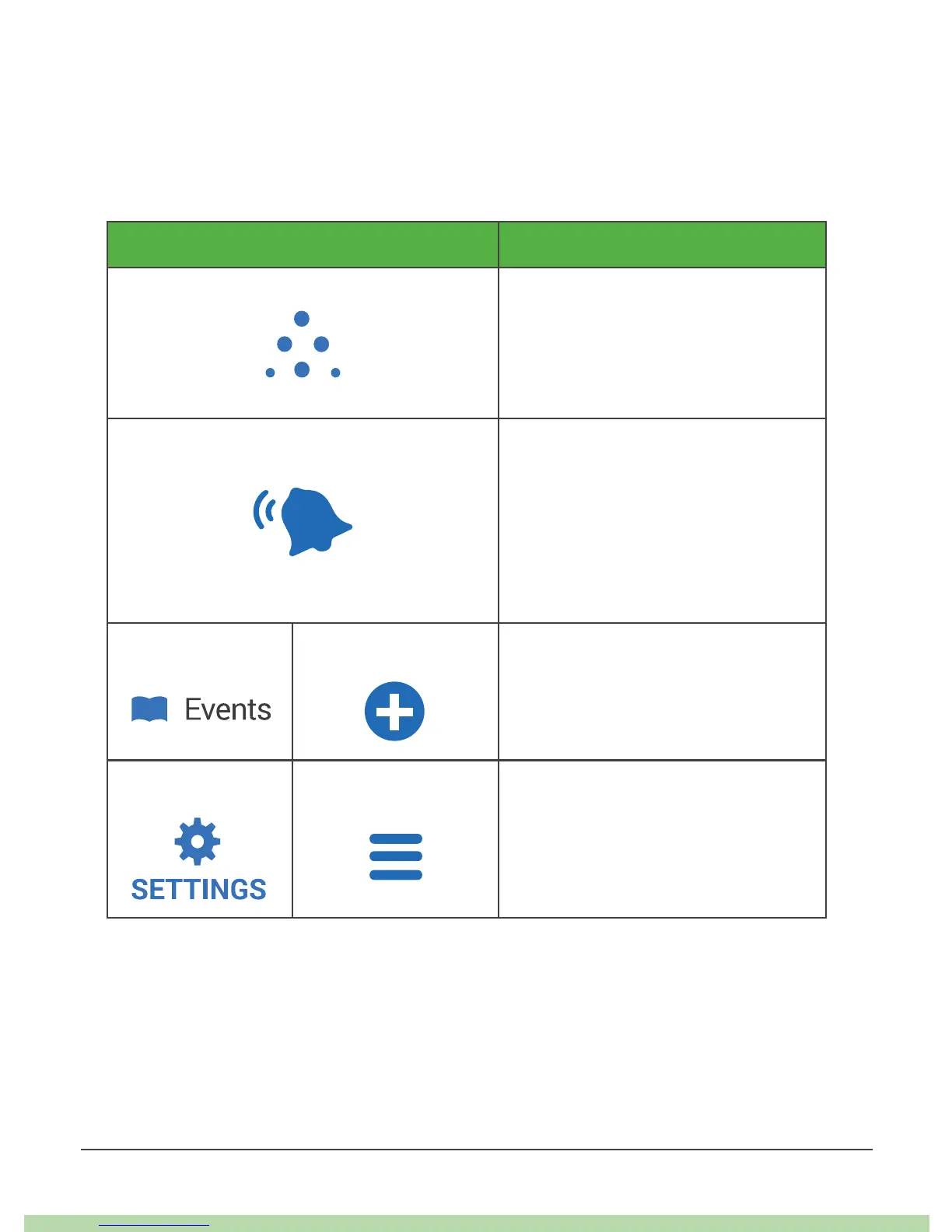
You can access other G6 features using the navigation icons.
The app and receiver home screen navigation icons are almost the same. The app
has extra features.
Icon Description
Share icon (app only): Lets you
send your glucose information
to five Followers. See Chapter 7
Advanced App Features for more
information.
Always Sound icon (app only):
Lets you control whether your
alarm/alerts will sound even when
your phone is on mute/Do Not
Disturb. To change it, go to Settings.
See Chapter 7 Advanced App
Features for more information.
App Receiver
Events/Add Event: Lets you record
insulin, carbs, exercise, and health-
related events.
App Receiver
Settings/Menu: Lets you edit
alerts, find help, change settings,
customize sounds, and more.



 To Next Page