26 Chapter 4: Alarm and Alerts
Dexcom G6
®
System • Using Your G6
Chapter 4: Alarm and Alerts
Your alarm and alerts help you stay in your target range. They sound and/or vibrate
you when you:
• Are out of your target range
• Are at or below 3.1 mmol/L
• Will be at 3.1 mmol/L in less than 20 minutes
The alarm/alert vibrations feel the same as notifications you get from other apps on
your smart device. The only way to know if it is from your G6 is to look at your smart
device.
Keep your alerts on: They are an important part of making G6 treatment decisions.
Talk to your healthcare professional about the best Low and High Alert settings for
you.
When using both the app and the receiver at the same time, change alert settings
and confirm alarm/alerts on each device.
4.1 Low Alarm and Low Alerts
What You See What It Means
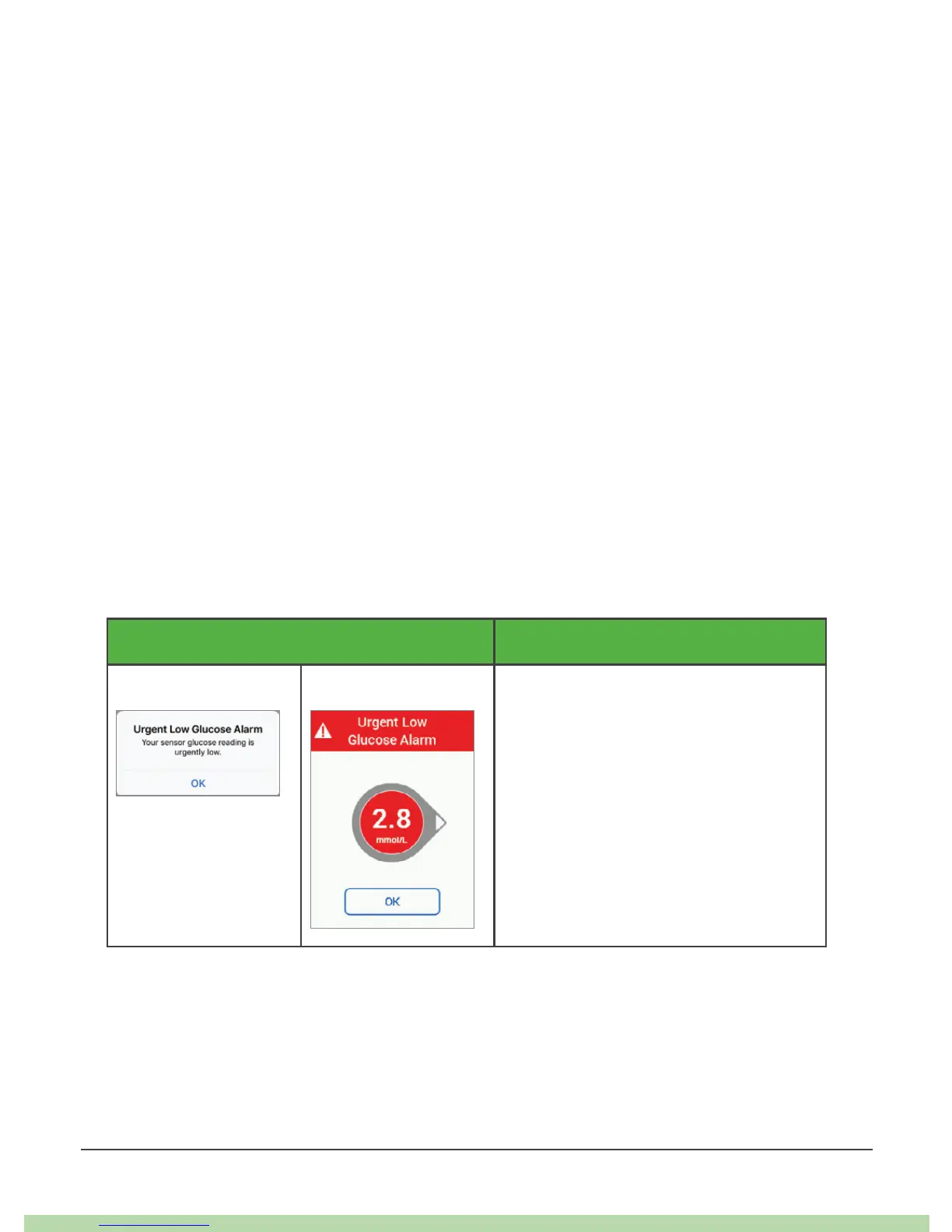
App Receiver Urgent Low Alarm
Lets you know when your sensor
glucose is at or below 3.1 mmol/L.
You cannot change or turn off your
Urgent Low Alarm.



 To Next Page