41Chapter 7: Advanced App Features 41
Dexcom G6
®
System • Using Your G6
Follower Status
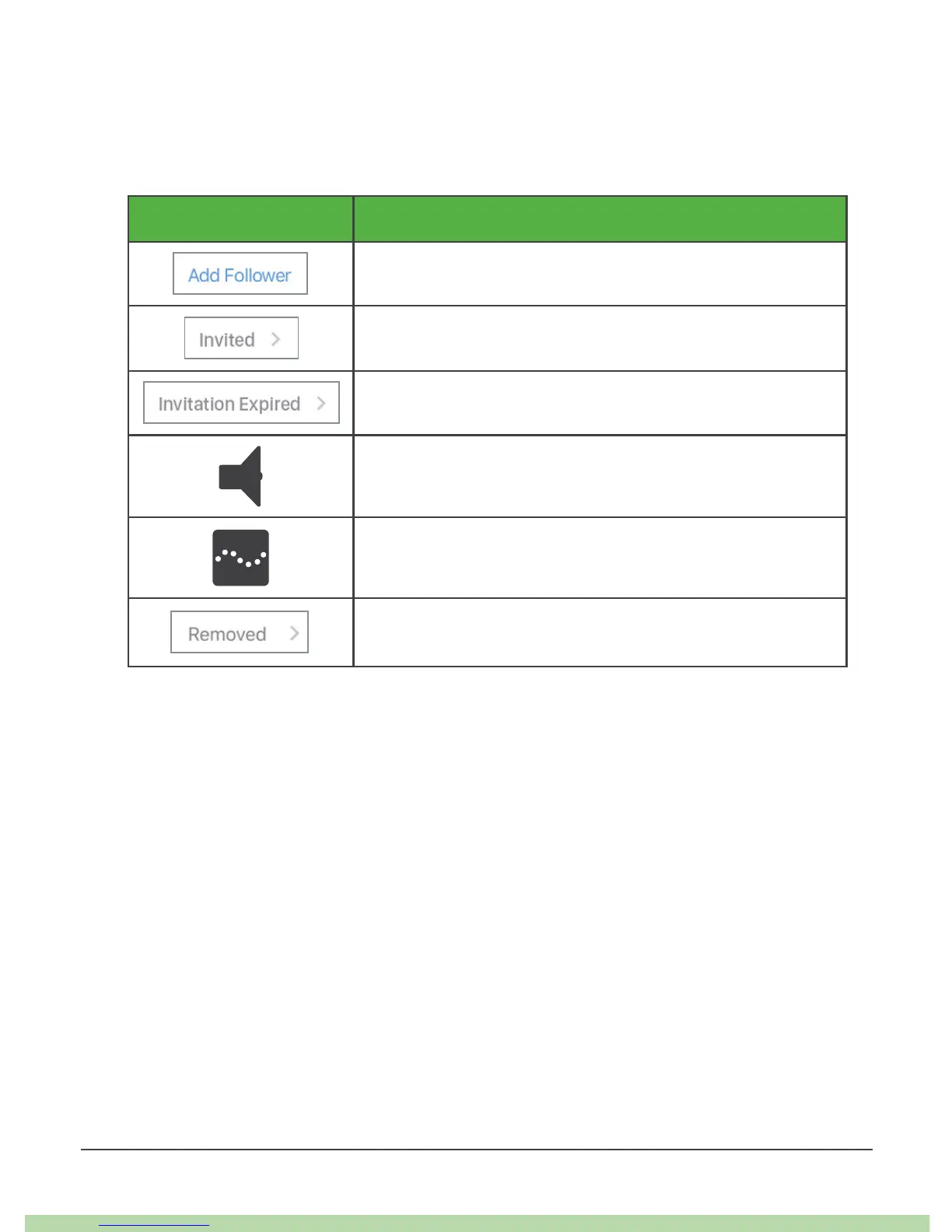
The Followers List shows the status of your Followers and lets you invite new ones.
Below are the statuses and what they mean:
Status Description
Invite new Follower.
You invited a Follower. They have not accepted yet.
Follower did not accept invitation within 7 days. To
re-invite, tap Add Follower.
Follower gets notification(s).
Follower sees trend graph.
Follower stopped following you.
7.2 Dexcom Follow
Your Followers may feel more secure if they get your G6 information almost as soon
as you do.
Additional Follow Recommended Settings
To set up and run Follow, set the Follower’s smart device volume:
• Mute/Do Not Disturb is off
• Sound is on



 To Next Page