42 Chapter 7: Advanced App Features
Dexcom G6
®
System • Using Your G6
Follow Setup
1. Follower gets and opens your email invitation on the smart device they will use to
follow you.
2. They install and set up the Dexcom Follow app on their smart device.
The email includes a link to download the app or they can get it from the app
store.
Now your Follower sees your G6 information!
They will also see when you turn off Share, if they have been deleted, or if sharing
stops for any other reason. If sharing stops due to communication issues, you will
not know unless your Follower tells you.
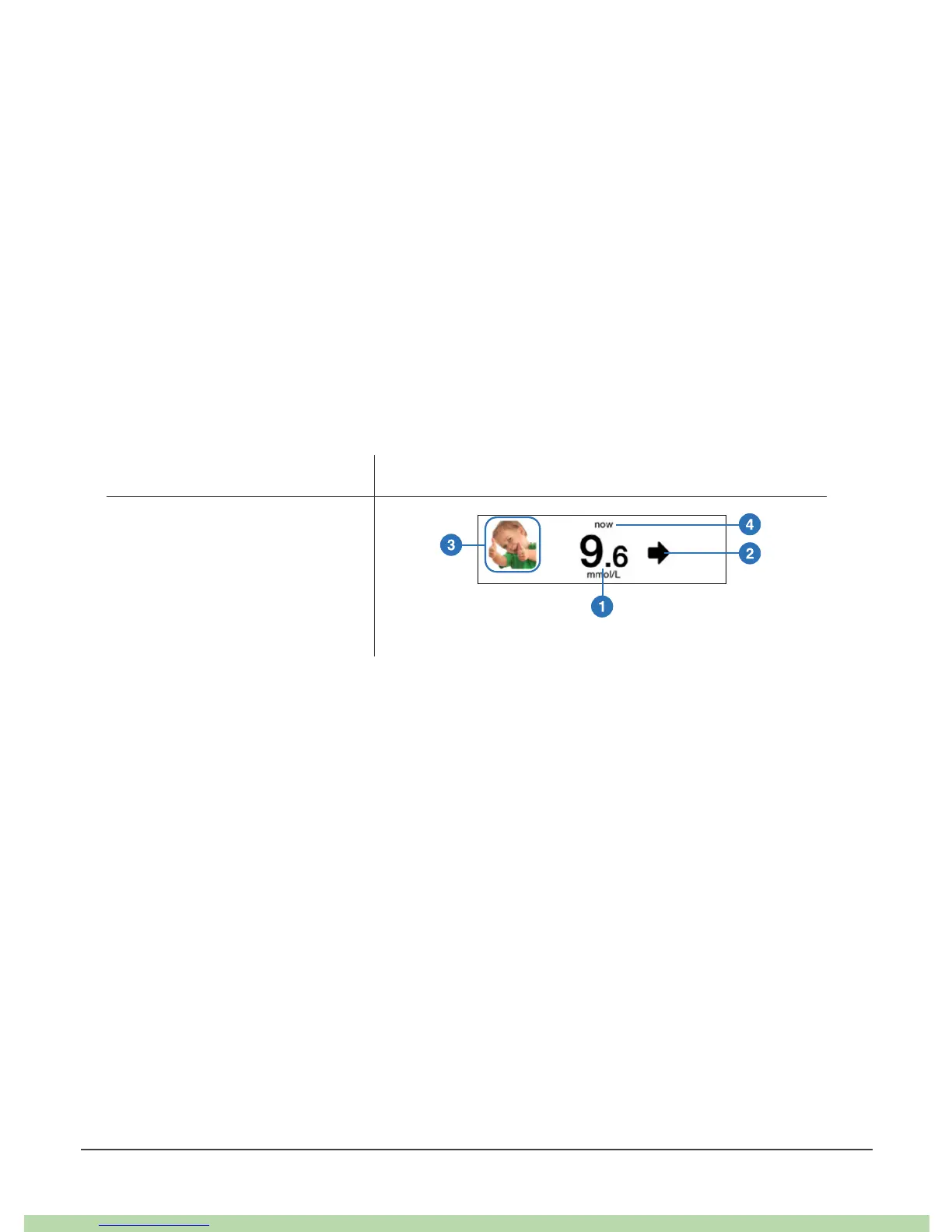
What Followers See
Key Share Number and Arrow Only
1. G6 Reading
2. Trend Arrow
3. Sharer's Picture
4. Last Updated



 To Next Page