40 Chapter 7: Advanced App Features
Dexcom G6
®
System • Using Your G6
Set Up Share and Invite Followers
To set up Share, tap the Share icon on your app home screen. Then follow the
instructions on the screens.
Once you are set up, invite someone to become your Follower by tapping Invite
Followers.
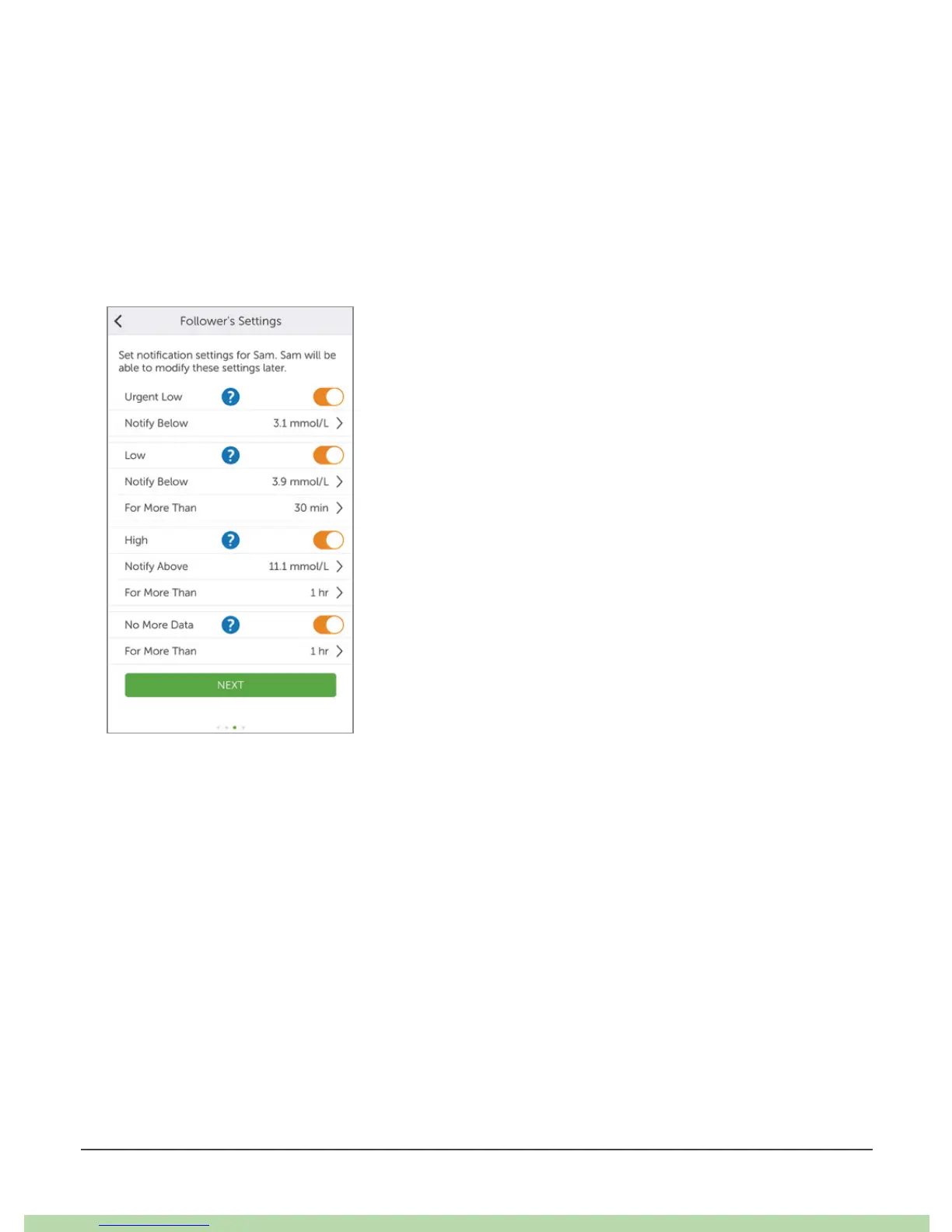
You pick what your Follower can see in the Follower Settings screen, however, they
can customize their settings in the Follow app.
When your Follower settings meet your needs, tap Back and then tap Send
Invitation. Share sends your Follower an invitation email.



 To Next Page