60 Appendix A: Troubleshooting
Dexcom G6
®
System • Using Your G6
App: Set Up Without Sensor Code
1
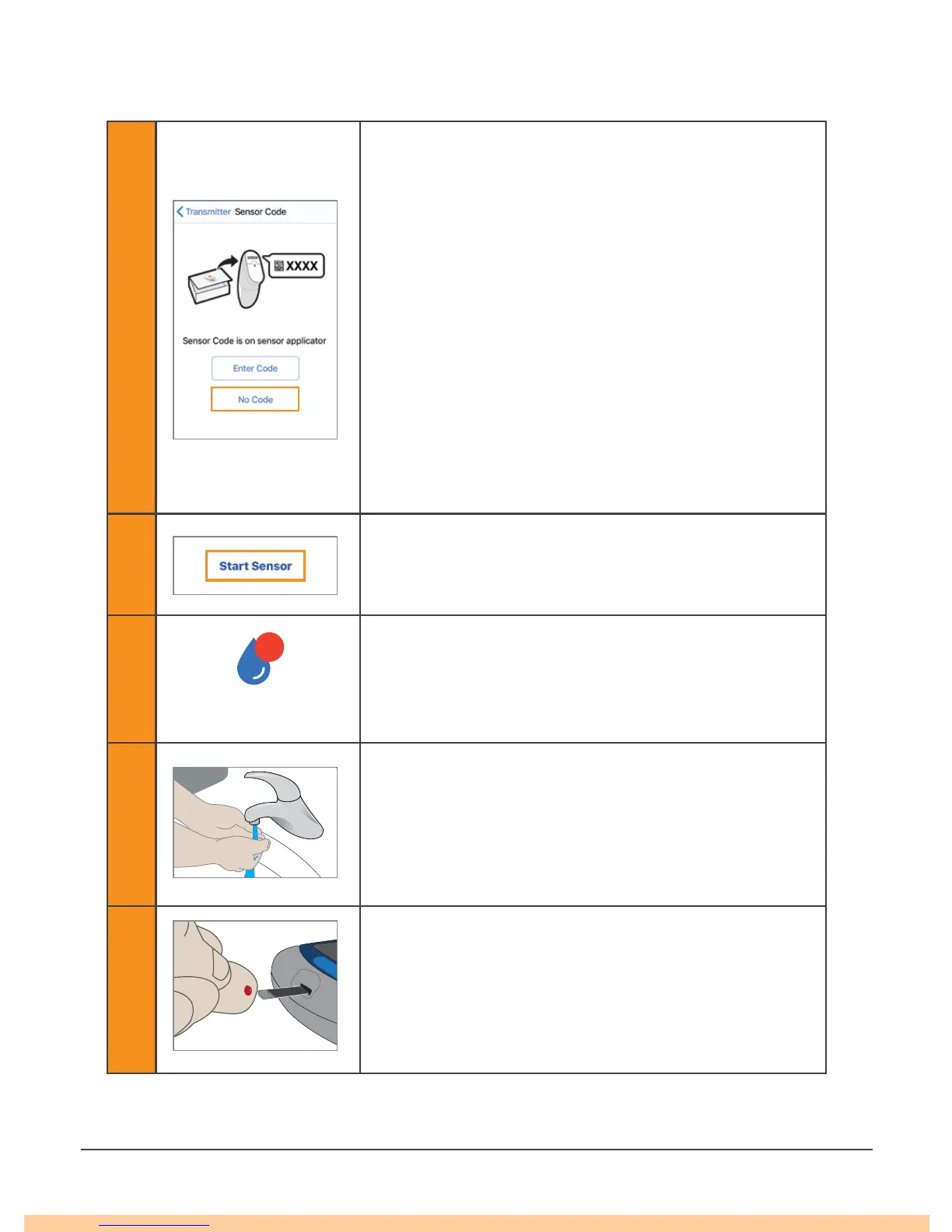
When setting up the app or inserting a new sensor
without using a sensor code, on the Sensor Code
screen, tap No Code.
If you do not enter sensor code, you will have to
calibrate your G6 daily during this sensor session.
Only enter the sensor code from the applicator you
insert.
On the next few screens (not included in these
steps), follow onscreen instructions to:
• Enter transmitter SN (if you are using a new
transmitter).
• Insert sensor.
• Attach transmitter.
2
Tap Start Sensor.
Wait 2 hours for your sensor warmup to finish.
3
After your sensor warmup, your G6 prompts you to
calibrate twice using two separate fingersticks.
Tap Calibrate icon to start.
4
Wash your hands with soap and water, not a gel
cleanser.
Dry your hands.
Washing and drying your hands before taking a
meter value helps ensure accuracy.
5
Take a fingerstick BG measurement using your
meter.
Only use your fingertip, never another site.



 To Next Page