19
2
Hardware Installation
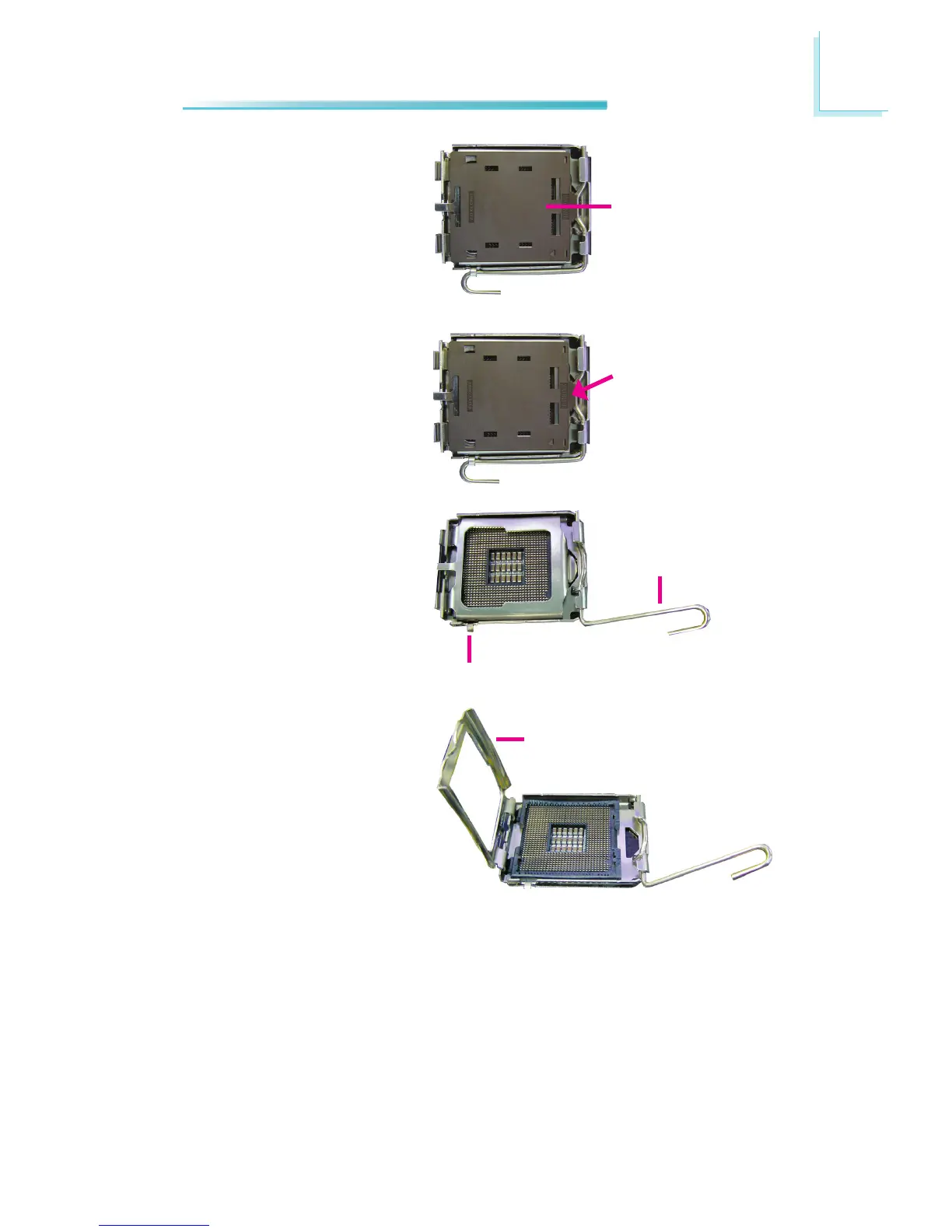
4. The CPU socket comes
with a removable protec-
tive cap. The cap is used
to protect the CPU socket
against dust and harm-
ful particles. Remove the
protective cap only when
you are about to install the
CPU.
Protective cap
5. To remove the protective
cap, lift the cap on the lo-
cation pointed on the right
photo.
Lift this part up
6. Unlock the socket by push-
ing the load lever down,
moving it sideways until it
is released from the reten-
tion tab; then lift it up.
Load lever
Retention tab
7. Life the load plate.
Load plate



 To Next Page