20
2
Hardware Installation
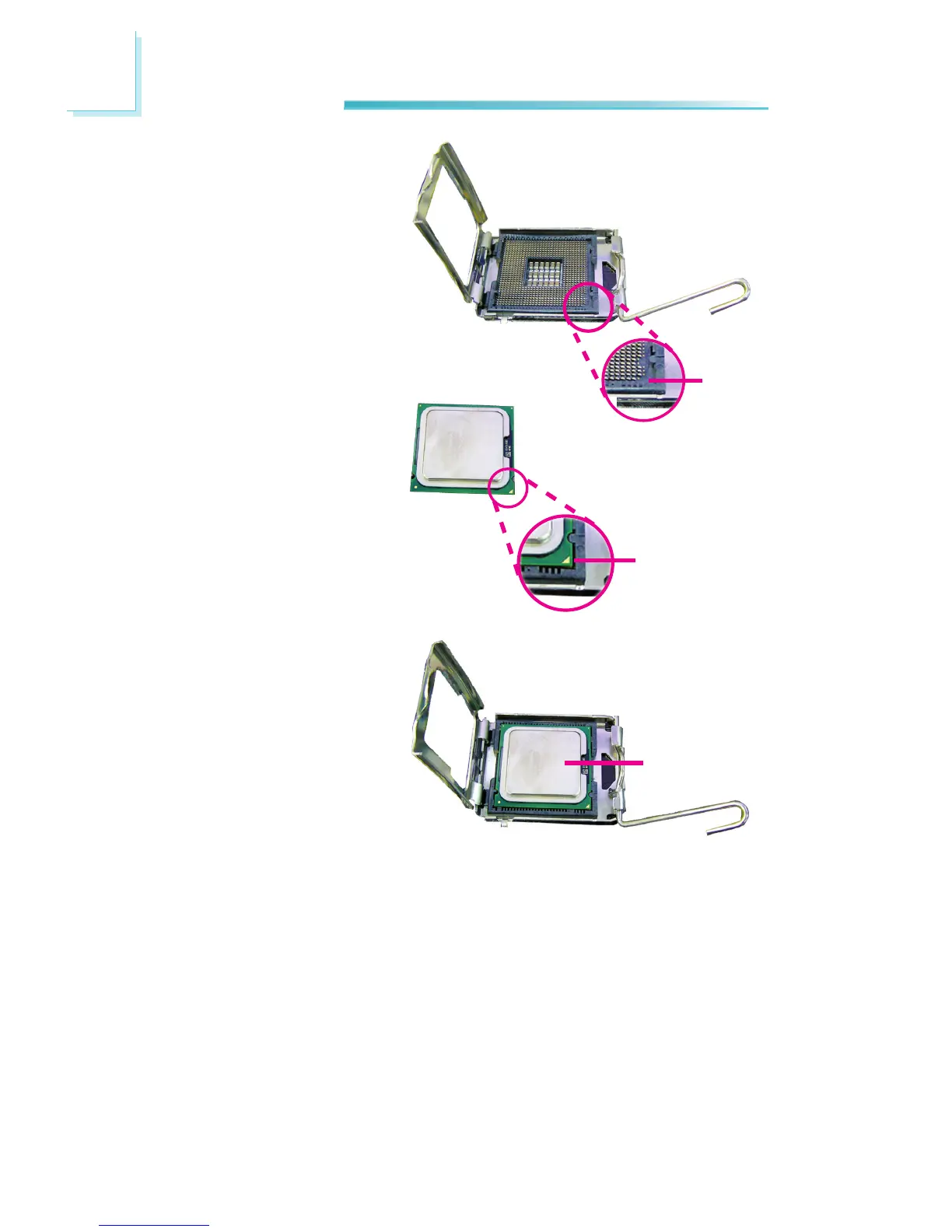
8. Position the CPU above the
socket. The gold mark on
the CPU must align with
pin 1 of the CPU socket.
Important:
Handle the CPU by its edg-
es and avoid touching the
pins.
Pin 1
of the
socket
Gold mark
9. Insert the CPU into the
socket until it is seated
in place. The CPU will t
in only one orientation
and can easily be inserted
without exerting any force.
Important:
Do not force the CPU into
the socket. Forcing the
CPU into the socket may
bend the pins and damage
the CPU.
CPU



 To Next Page