C/20
Getting to Know and Using the Vehicle
Mod. Apollo
- ATTENTION: - Read the SAFETY REGULATIONS (contained in this manual) carefully for the safety of all personnel and your vehicle.
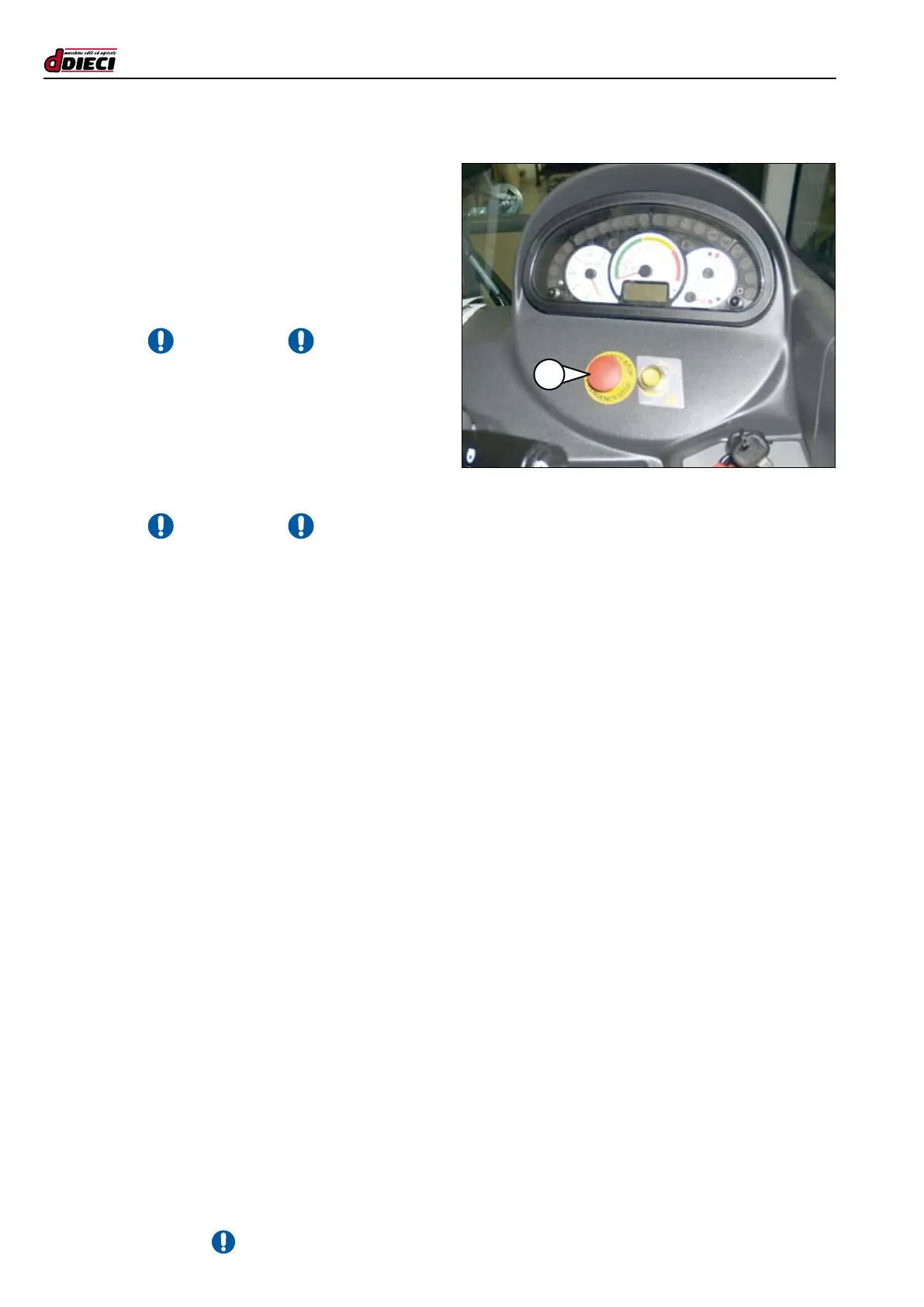
(g.29/C)
Emergency button (g.29/C Pos.”1”)
The vehicle is equipped with an emergency stop device that al-
lows to avoid situations of imminent danger or danger in progress.
By pressing the emergency button (fig.29/C Pos.”1”) the
thermal motor switches off and the vehicle stops.
The emergency stop device is released by turning the
“mushroom-head” clockwise. Turning the button authorises
machine re-start.
- ATTENTION -
The button must be used in the case of:
- Emergency, to switch the thermal motor off and the
vehicle in situations of imminent danger or danger in
progress.
- Maintenance, for safety to prevent accidental ignition of
the vehicle during routine or extraordinary maintenance
interventions.
- ATTENTION -
If the engine cannot be started, check that an emer-
gency button has not been pressed (g.29/C Pos.”1”). If
pressed, contact the Safety Manager to make sure there is
no maintenance in progress, malfunctioning of the vehicle or
dangerous situations.
23



 To Next Page