1-11
DiGiCo S21
1-11
1.3.8 Control Group Setup ..............................................................
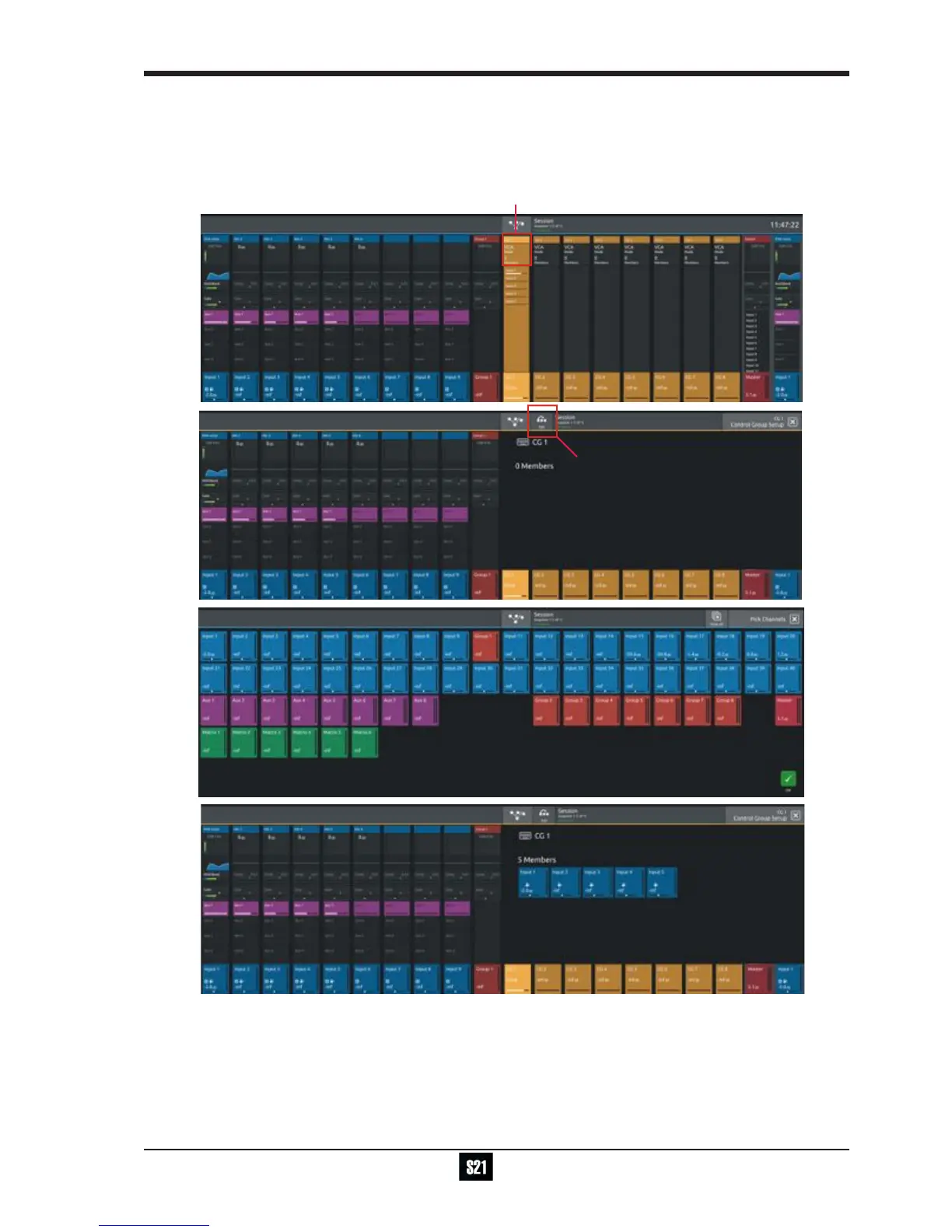
To create a Control Group, touch the top of a Control Group Channel to open the CG Setup view
Touch the Edit button in the top bar
Select the required CG members by touching them in the Channel Picker and touch the OK button
The CG Setup view will now show blocks representing each of the CG members and the CG channel will display a list of its members
with their fader levels


 To Next Page