DiGiCo S21
1-2
1.2 Before You Start
There are certain general operating principles and terms that should be understood before continuing to use this manual.
Please read this chapter carefully before proceeding.
IMPORTANT NOTES:
S21 V1.0 software is not compatible with any sessions created in preliminary (pre V1.0) versions of software
Please delete all old sessions to avoid potential issues and create a "New" session in V1.0.
The console power switch is situated on the rear panel.
Please ensure that any required DiGiCo I/O racks are connected to the console DMI cards and powered on before start-
ing the console itself to enable automatic discovery of the racks.
DMI cards are NOT "Hot swappable" so please ensure that the console is powered off before inserting or removing
them.
We recommend that the rst snapshot is used as a "Setup" Snapshot where all of your "session wide" settings like
routing, Control Group membership and Buss Modes (whether Busses are Groups or Auxes) are rst stored.
Because these types of setting can be changed with Snapshot recall, it is advisable to save them all into this rst
snapshot before creating any further Snapshots. In this way, the settings for all subsequent Snapshots will contain the
same data and there should be less requirement to adjust the Safe settings in the channels.
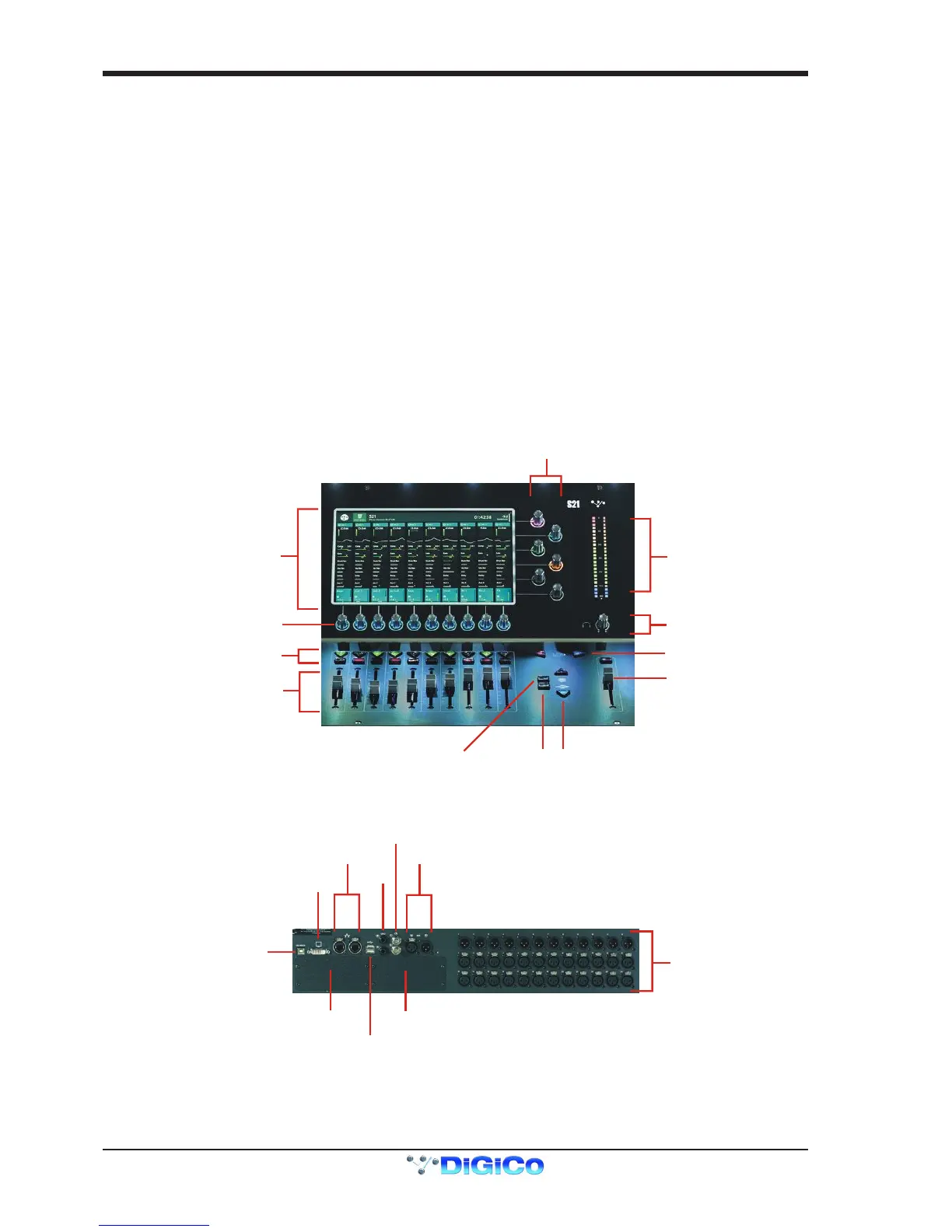
1.2.1 Worksurface Layout ...............................................................
IMPORTANT NOTE: The DVI Screen output will display a copy of the Master (right hand) screen but this must be
connected to the HDMI input of a suitable monitor using a standard DVI to HDMI adaptor (not supplied).
IMPORTANT NOTE: The GPI/O functionality is not yet implemented in V1.0


 To Next Page