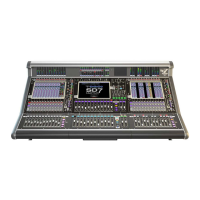
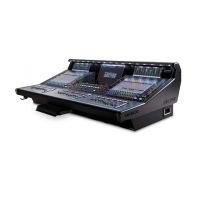
DiGiCo S21
Contents
1.1 The Console .......................................................................................1-1
1.2 Before You Start ................................................................................1-2
1.2.1 Worksurface Layout .............................................................1-2
1.2.2 Layers and Banks .................................................................1-3
1.2.3 Using the Control Surface ...................................................1-3
1.2.4 The Selected Channel ..........................................................1-4
1.2.5 The Under Screen Controls .................................................1-4
1.3 The Expanded Views .........................................................................1-5
1.3.1 Display Expanded Views .....................................................1-5
1.3.2 Channel Setup View .............................................................1-6
1.3.3 Group and Aux Setup View..................................................1-7
1.3.4 Input Routing View ...............................................................1-7
1.3.5 EQ View .................................................................................1-8
1.3.6 Dynamics 1 View ..................................................................1-9
1.3.7 Dynamics 2 View ................................................................1-10
1.3.8 Control Group Setup ................................................... .......1-11
1.3.9 Solo Channel Setup............................................................1-12
1.4 Customising the Layout ..................................................................1-13
1.4.1 The Console Overview ......................................................1-13
1.4.2 The Spill Set .......................................................................1-13
1.4.3 Swap Banks .......................................................................1-14
1.4.4 Set Master ..........................................................................1-14
1.5 The Main Menu .................................................................................1-15
1.5.1 Session Management .........................................................1-15
1.5.2 Snapshots ...........................................................................1-16
1.5.3 Preferences .........................................................................1-18
1.5.4 Audio Sync ..........................................................................1-18
1.5.5 Macros .................................................................................1-19
1.5.6 FX Rack ...............................................................................1-19
1.5.7 Graphic EQs ........................................................................1-20
1.5.8 Matrix ...................................................................................1-20
1.5.9 System .................................................................................1-21
1.5.10 Diagnostics .......................................................................1-22
1.5.11 Restart or Shutdown ........................................................1-22
1.5.12 Upgrading Software .........................................................1-22


 To Next Page