UTM-00339 | Rev 19
Page 13 of 253
DetNet South Africa Copyright © 2021
The purpose of this section is to indicate the recommended care and handling of the Commander System’s control
equipment considering the environment in which it is used. Proper care and maintenance of the equipment will
preserve the integrity and ensure its proper functionality. Poor handling and abuse of the equipment could result in
errors and potential blast delays.
The Commander System equipment must be transported, stored, handled and
used in conformity with all federal, state, provincial, local laws and regulations.
Control equipment and accessories should be handled with due care and not
dropped, mishandled, subjected to excessive vibration or exposed to harsh
chemical agents, including solvents.
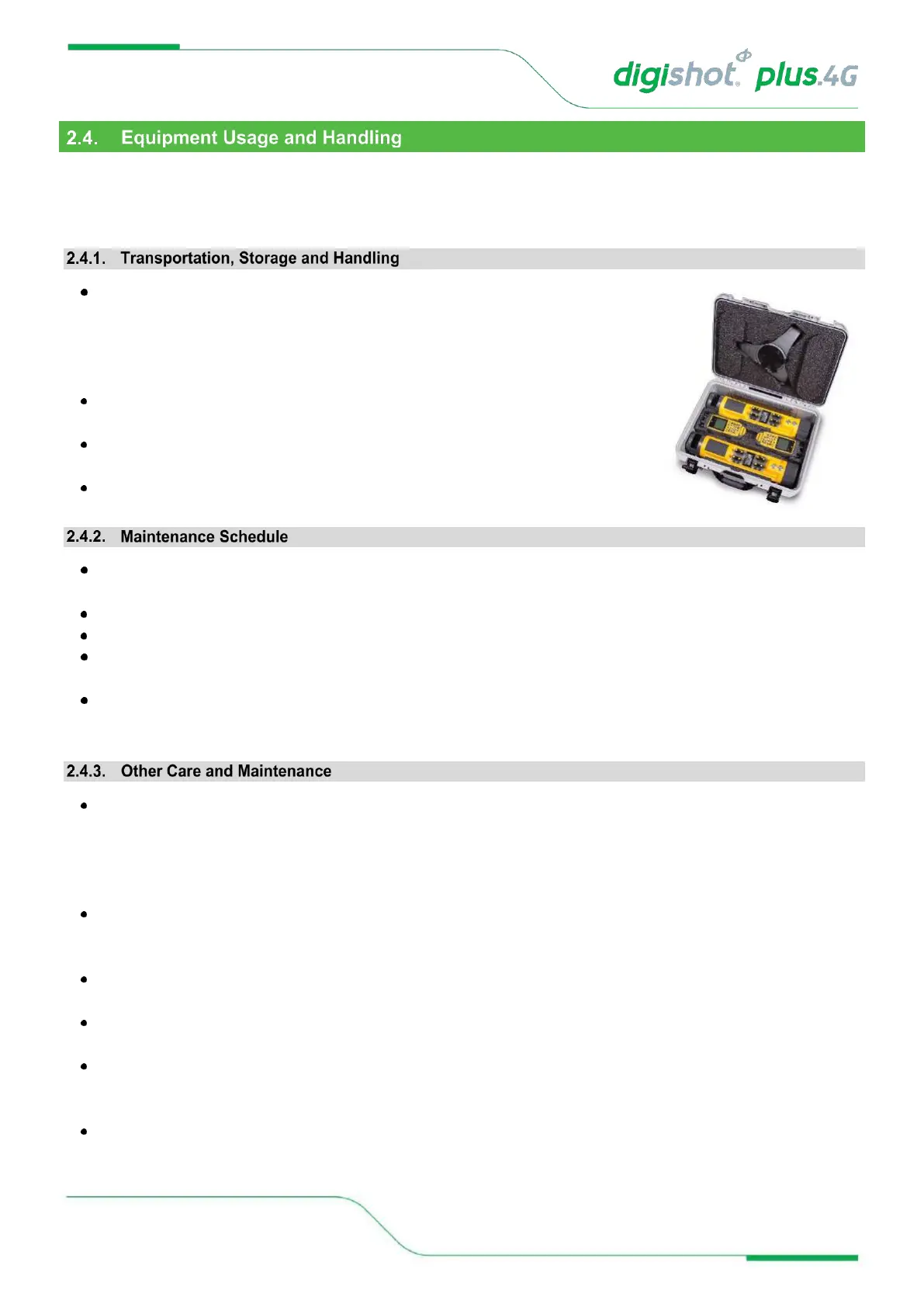
The Commander should always be stored in the provided suitcase when not in
use, and especially during transportation.
Connectors should be kept clean and the equipment must be kept in a safe
environment to avoid misappropriation or misuse.
The Commander (Bench and Base) should be mounted on the supplied foot or
a tripod for reliable RF connectivity
All equipment in the field will need to be returned to DetNet South Africa, or an authorised repair centre, for
service at the following intervals:
Handheld Equipment (Tagger, etc.) – 18 Months.
Other equipment (Commander, etc., Excluding accessories) – 24 Months.
Any unauthorised repairs, modification or tampering of the device may comprise the safe operation of CE4
Commander system and is prohibited.
The CE4 Commanders are installed with a ShockWatch which will be activated if the equipment is
mishandled. In the event the ShockWatch is activated, it must be returned to DetNet SA or an authorised
repair centre for assessment.
Keep USB ports sealed, using the provided rubber door, to ensure no moisture or dust ingress. Inspect the
USB ports on an ongoing basis to ensure that moisture or dust / grit does not accumulate behind the rubber
door as that could lead to corrosion of the connector. Should any signs of damage or poor sealing be
observed, the equipment must be returned for repairs. An Air Duster can be used to remove dust from the
USB charging socket.
Periodically check the battery Cell Status indicator displayed on the System Information screen. ‘Good’
indicates a healthy battery state. Should the status indicate ‘Low’ the unit should be serviced to have the
battery replaced.
General cleaning of equipment will be required when exposed to the mining environment. Use a damp cloth
or preferably baby wipes and a brush to remove dust and any residues.
Use of cleaning solvent is not advised as this can cause degradation and permanent damage to the
equipment. Refer to solvent manufacturer’s TDS for compatibility information.
Inspect the Terminals on the Tagger and Commanders ensure that the spring contacts are functional and
free from dirt and residue. Excessive corrosion on the terminals can result in poor electrical connections. If
damaged, the equipment must be returned for repairs.
As the Tagger contains a Li battery, industry standards and precautions should be followed during charging
of the equipment. Disposal of the equipment and battery is not permitted, and the equipment must be
returned to the supplier in the country for recycling and proper disposal.



 To Next Page