UTM-00339 | Rev 19
Page 143 of 253
DetNet South Africa Copyright © 2021
With the DigiShot
®
Plus 4G Commander System it is recommended that the user mark the detonator that will be
placed at the end of the harness wire, as the Bench Commander will verify the voltage level of this detonator just
before firing.
Each String should have 1 detonator marked as End of Line.
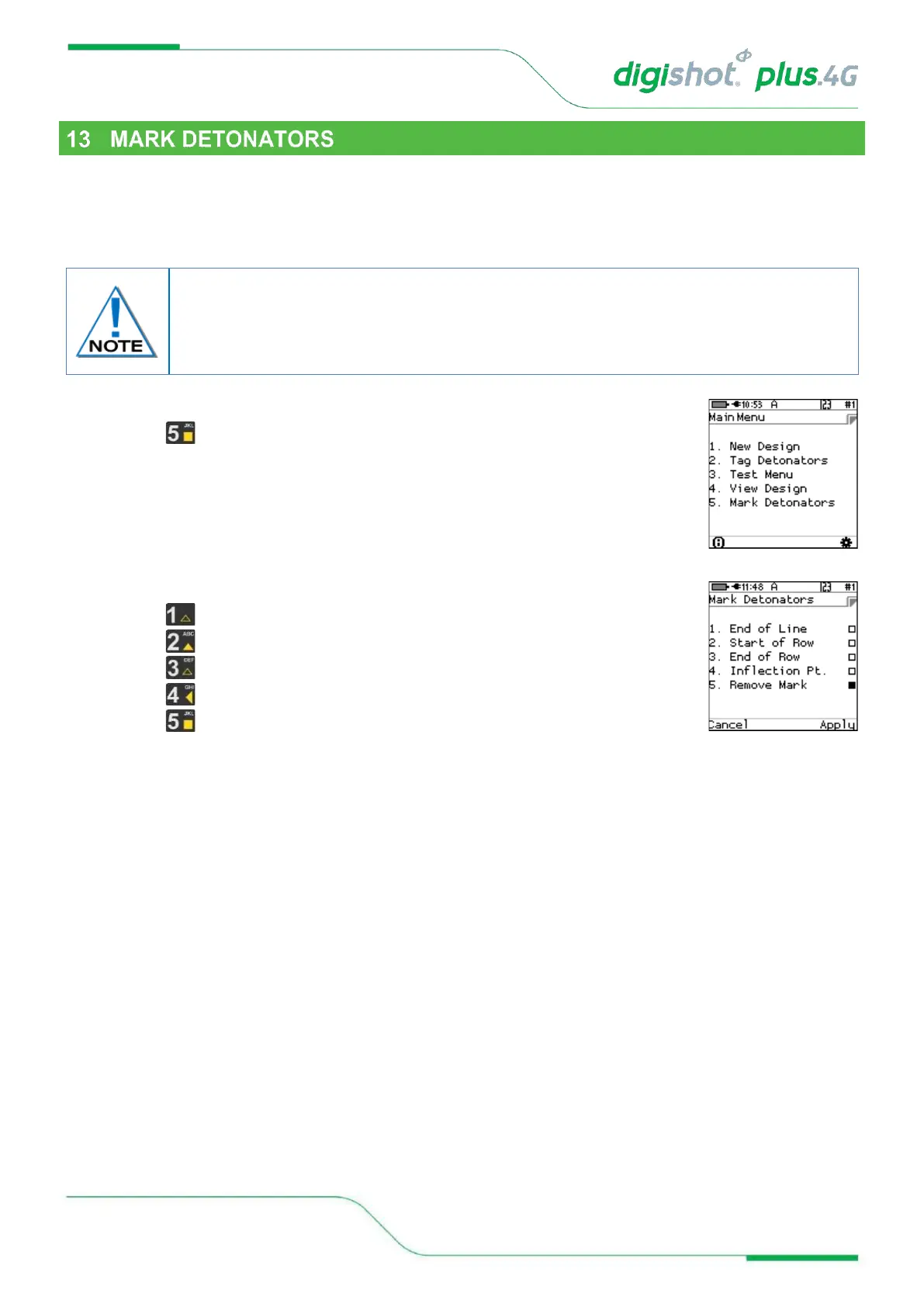
1. From the Main Menu
• Press to select Mark Detonators
2. From Mark Detonators Menu
• Press to select/deselect End of Line
• Press to select/deselect Start of Row
• Press to select/deselect End of Row
• Press to select/deselect Inflection Point
• Press to Remove Mark from previously marked Detonator
• Press Cancel SoftKey to return to Main Menu
• Press Apply SoftKey to apply the setting.
The other types of marking are not explicitly used in this version of the system although it
is planned to use it in a future release of the software. They would typically indicate that
specific points of the blast have been captured and also indicate if a change of plan
(delays and increments) is required.



 To Next Page