UTM-00339 | Rev 19
Page 221 of 253
DetNet South Africa Copyright © 2021
The Base and Repeat mode will allow the Base Commander to communicate through a repeater. The User should
use this mode of operation when a repeater is used in the blast.
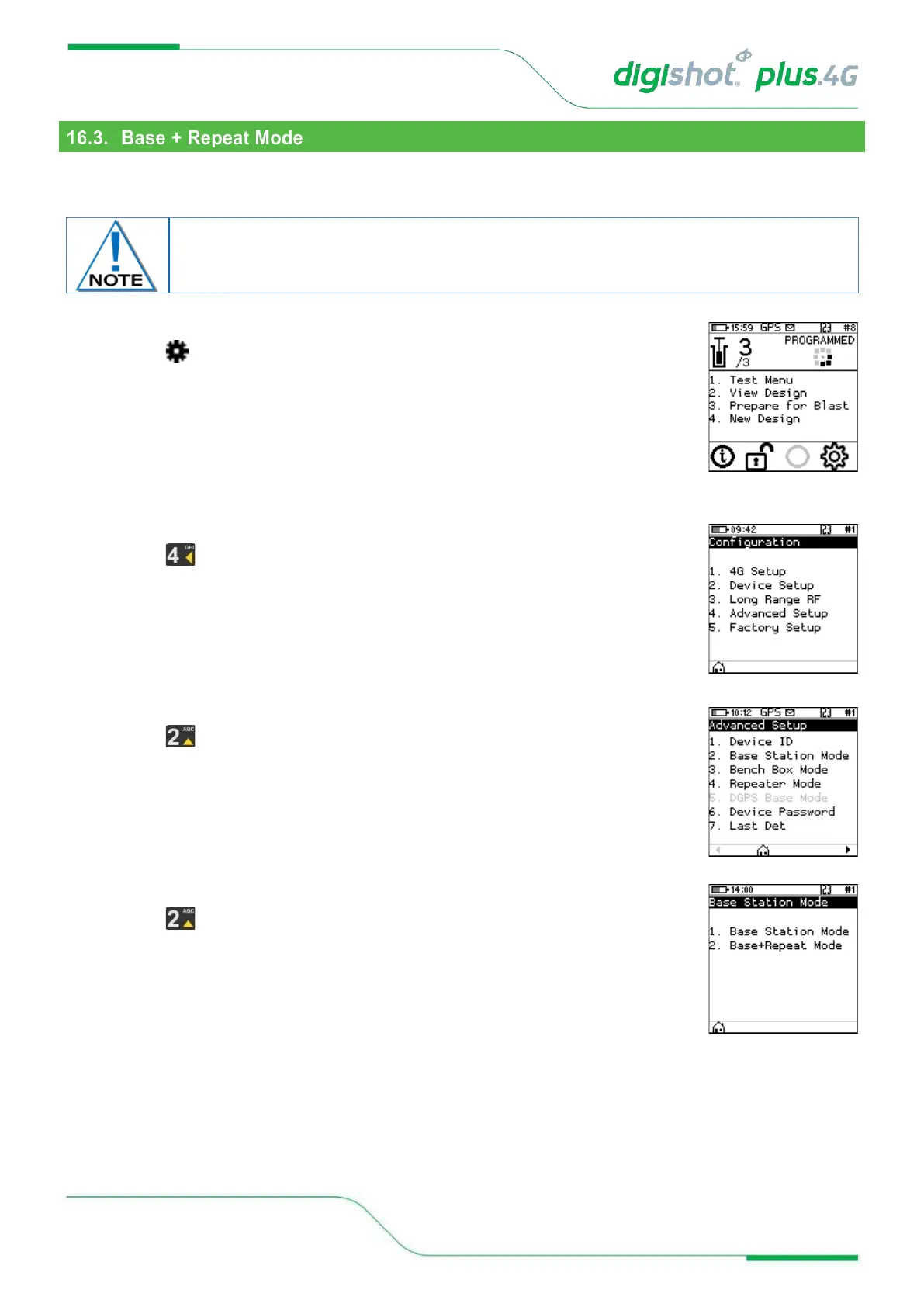
1. Main Menu
• Press to select Configuration
2. Configuration Menu
• Press to select Advanced Setup
3. Advanced Setup
• Press to select Base Station Mode
4. Base Station Mode
• Press to select Base + Repeat Mode
• Base + Repeat Mode will be activated, and Commander will switch off
automatically
• Power ON the Commander for the change to take effect



 To Next Page