UTM-00339 | Rev 19
Page 230 of 253
DetNet South Africa Copyright © 2021
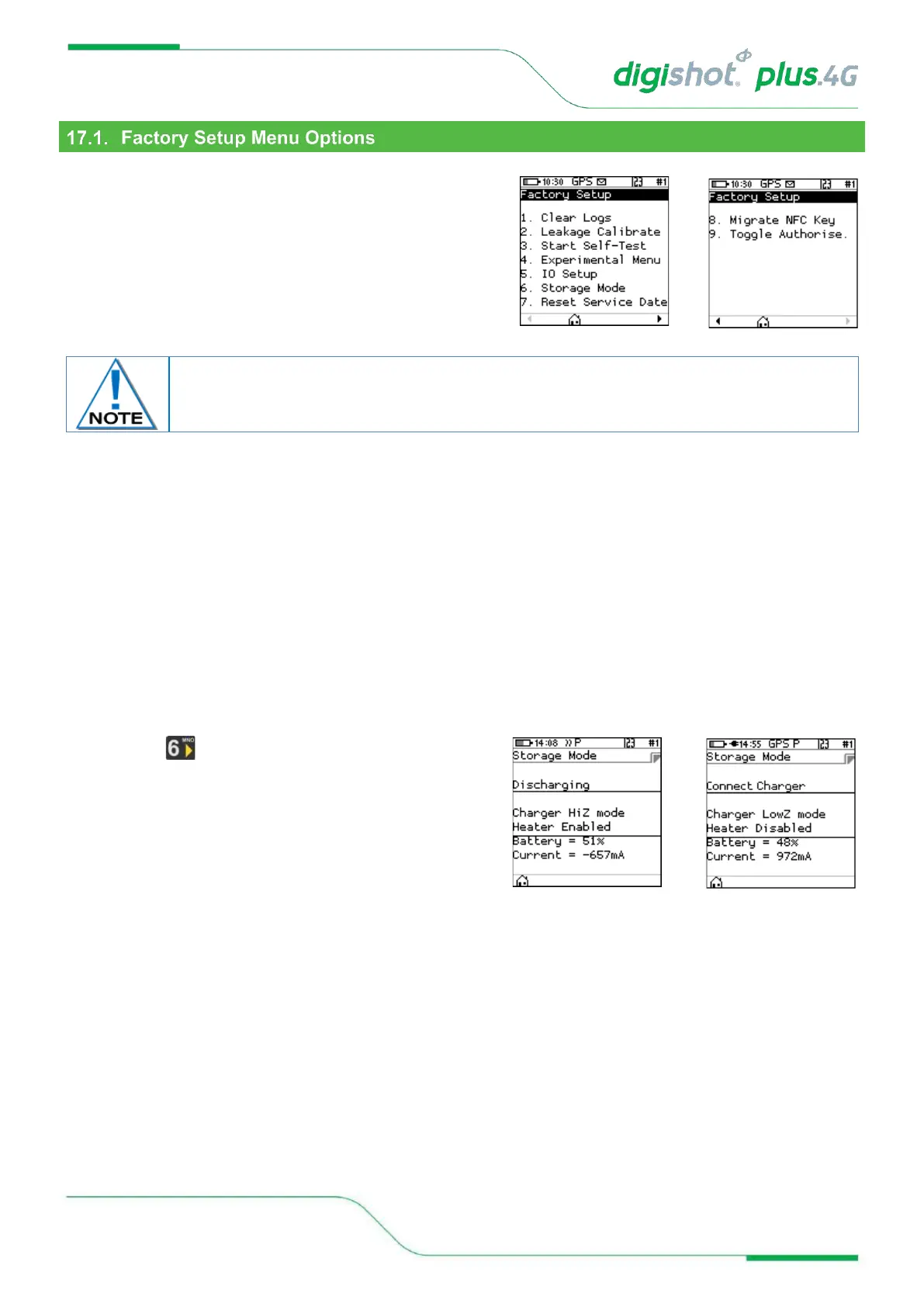
Each Factory menu option is described below. Many of the
screens are common to several CE4 products and are shared
between them.
1. Clear Logs (Factory)
The clear logs function erases the internal log and will displays a confirmation dialog briefly.
2. Leakage Calibration (Factory)
The Leakage Calibration menu recalculates the leakage and current offsets by measuring the current and leakage
with no detonators connected. It functions in the same fashion as the leakage test screen except that it initially
shows a leakage calibrate dialog briefly and then proceeds to the leakage screen.
3. Start Self-Test (Factory)
The self-test function starts a factory self-test of the device.
4. Experimental Menu (Factory)
This menu option will contain any experimental functions that are required in engineering only.
5. IO Setup (Factory)
The IO Setup function is used to setup experimental IO parameters.
6. Storage Mode
• Press Key to select Storage Mode
• When the battery capacity is more than 50%, the CE4
Tagger will discharge the battery by activating
additional battery draining functions such as the
heating pad, to accelerate the discharge level to the
required 50% charge level, and
• When the battery capacity is less than 50%, it will
prompt the user to connect a charger to attain the required 50% charge level.
• When the CE4 Tagger reaches the required 50% battery storage capacity it will switch off automatically
allowing for safe storage
7. Reset Service Date
• This function will allow the user to reset the service schedule.
8. Migrate NFC Key
• The Migrate NFC Key function is used to migrate an outdated key to the new structures.
9. Toggle Authorise



 To Next Page