UTM-00339 | Rev 19
Page 53 of 253
DetNet South Africa Copyright © 2021
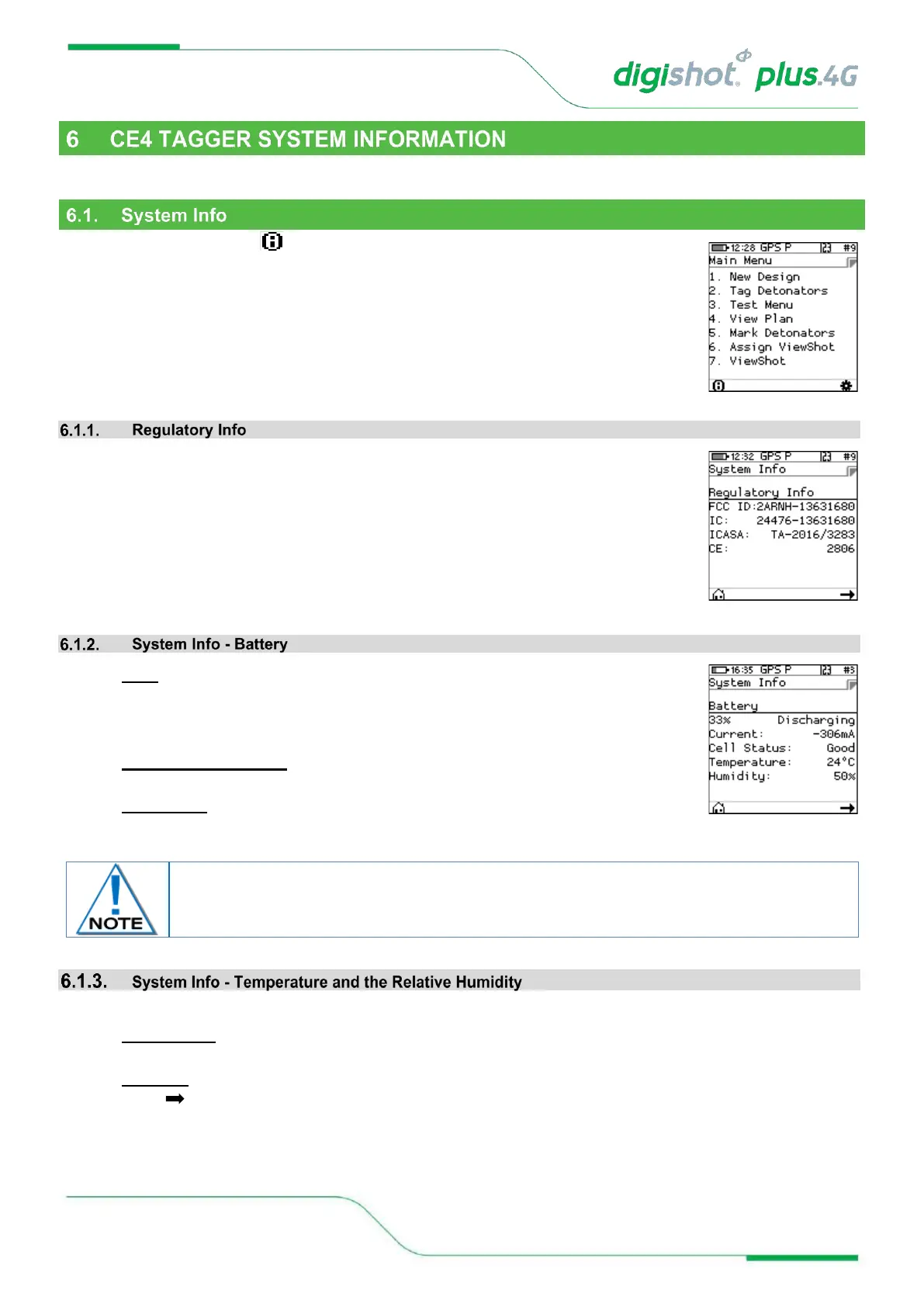
This function enables the user to view battery charge information, current consumption, state-of-health of the
battery, temperature information, hardware and software serial numbers, GPS detail and User ID.
From the Main Menu, press SoftKey to view the CE4 Tagger System Information
• Regulatory information will be displayed
• 95%: Battery charge information Charging will be indicated by (USB) when a USB
charger is used or (AUX) when a wireless charger is used. Should the charger not
be able to supply enough power to charge the CE4 Tagger, ‘Weak Charger’ will be
indicated as the charging status, instead of ‘Charging (USB)’.
• Current Consumption: By convention a negative value indicates that current is
being drawn from the battery.
• Cell Status: (Good) indicates the state of health of the battery. Should the status
indicate ‘Low’ the unit should be serviced to have the battery replaced.
The Temperature and the Relative Humidity as measured inside the CE4 Tagger are displayed as follows:
• Temperature: The Temperature is displayed in degrees Celsius or Fahrenheit (Dependant on Units
Setting under Device Setup).
• Humidity: The Relative Humidity is displayed as a percentage.
• Press to select next page



 To Next Page