If the access point enables wireless security, you have to
follow the same settings in order to access the access point.
When you finish with all settings, press ‘Next’; if you want to go back to previous
menu, click ‘Back’.
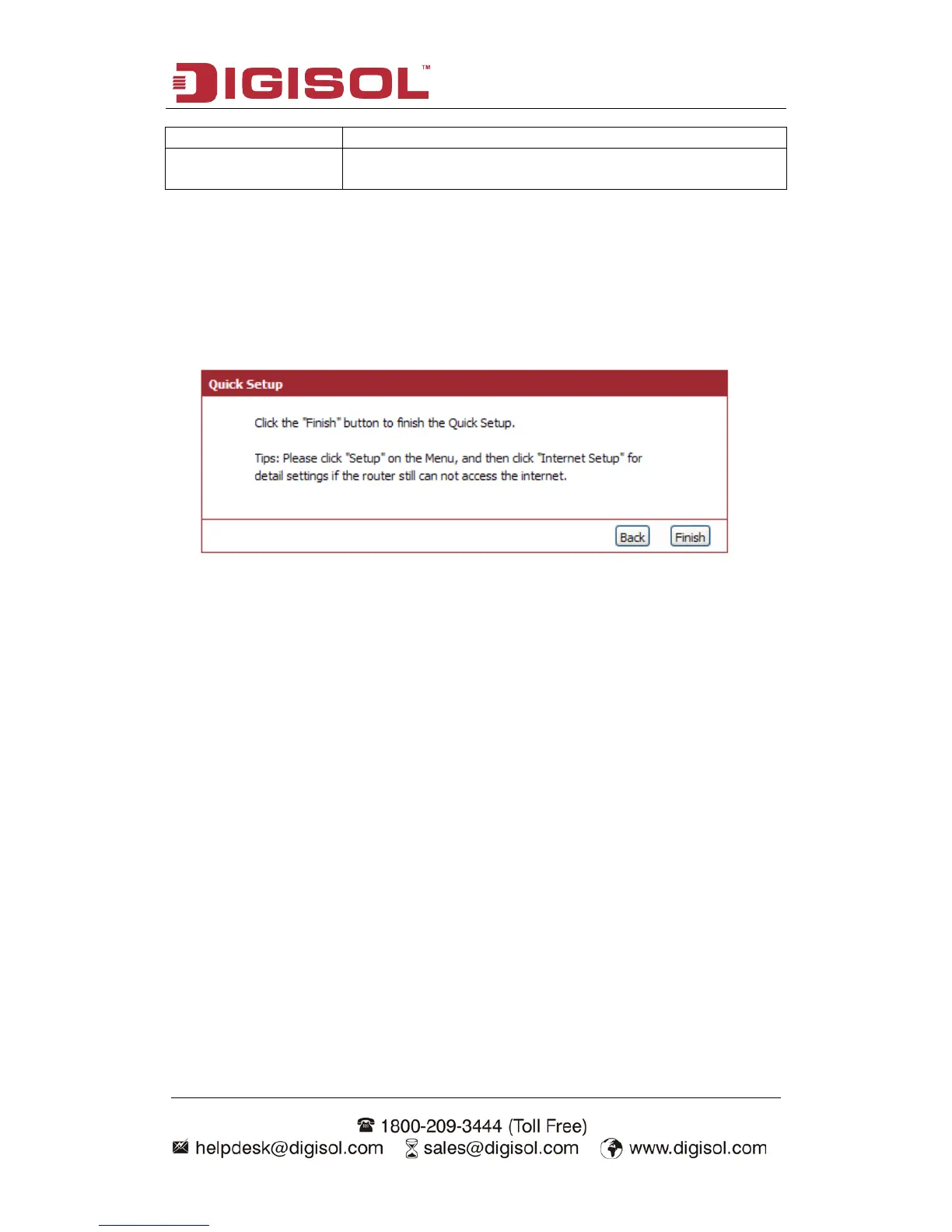
Step 3 Finish the Quick Setup:
Below given ‘Finish’ screen will appear.
You can click the “Finish” button to finish the Quick Setup; if you want to go back to
previous menu, click ‘Back’.



 To Next Page