Remote Controls
81
Operating Other Devices
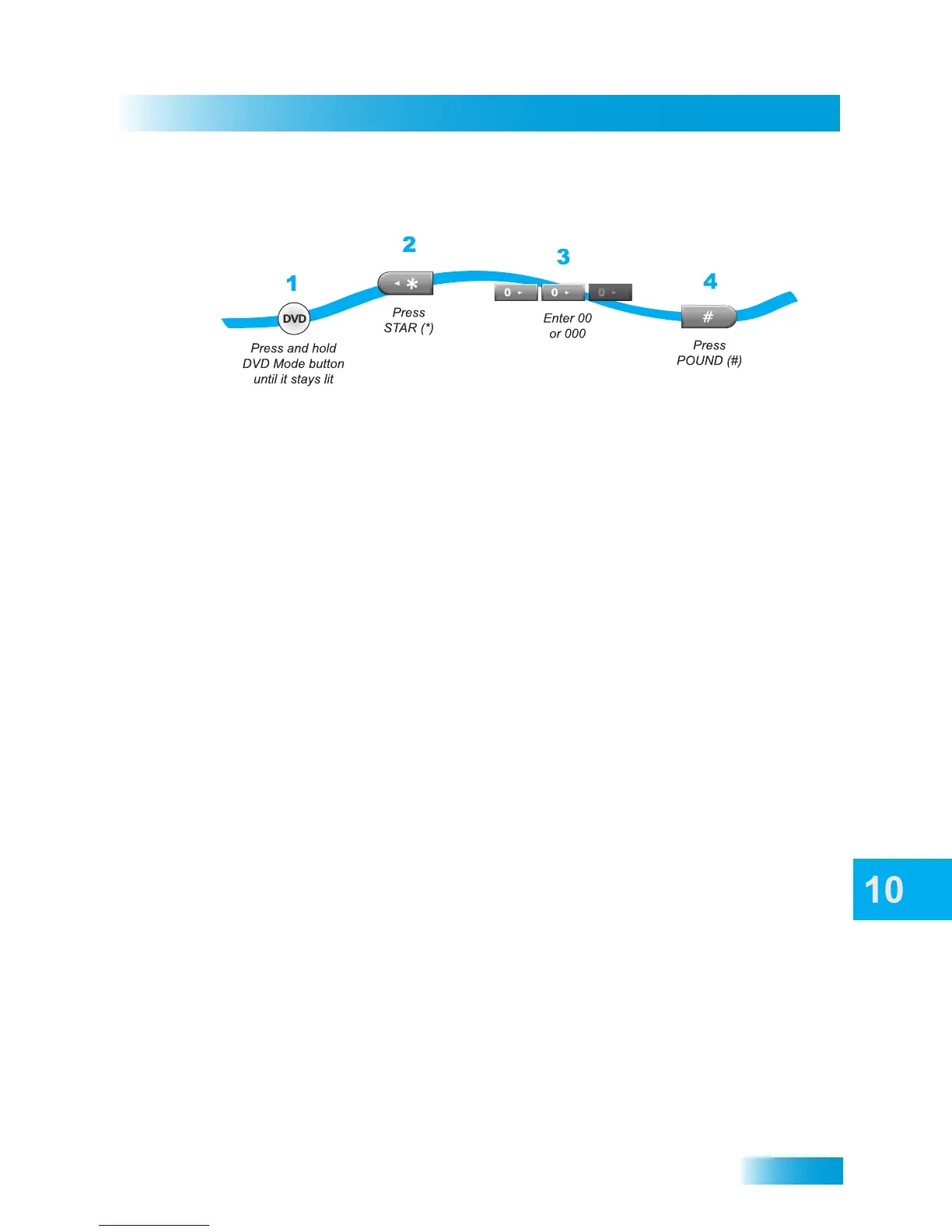
Removing SAT Auto-Tune for DVD/VCR
1 Press and hold DVD until it stays lit.
2 Press the STAR (*) button on the remote control.
3 Enter 00 or 000.
4 Press POUND (#).
Combination Devices
If you are programming the remote to control a combination device, such as a TV/VCR or
a TV/DVD, program the remote control in one mode (TV), and then repeat the procedure
in the other mode. For example, to program the remote to control a TV/VCR using codes
622 815, follow the instructions to program the remote in TV mode using code 622, and
then repeat the instructions to program in DVD mode to control the VCR using code 815.



 To Next Page