Remote Controls
87
Operating Other Devices
Using the System Wizard
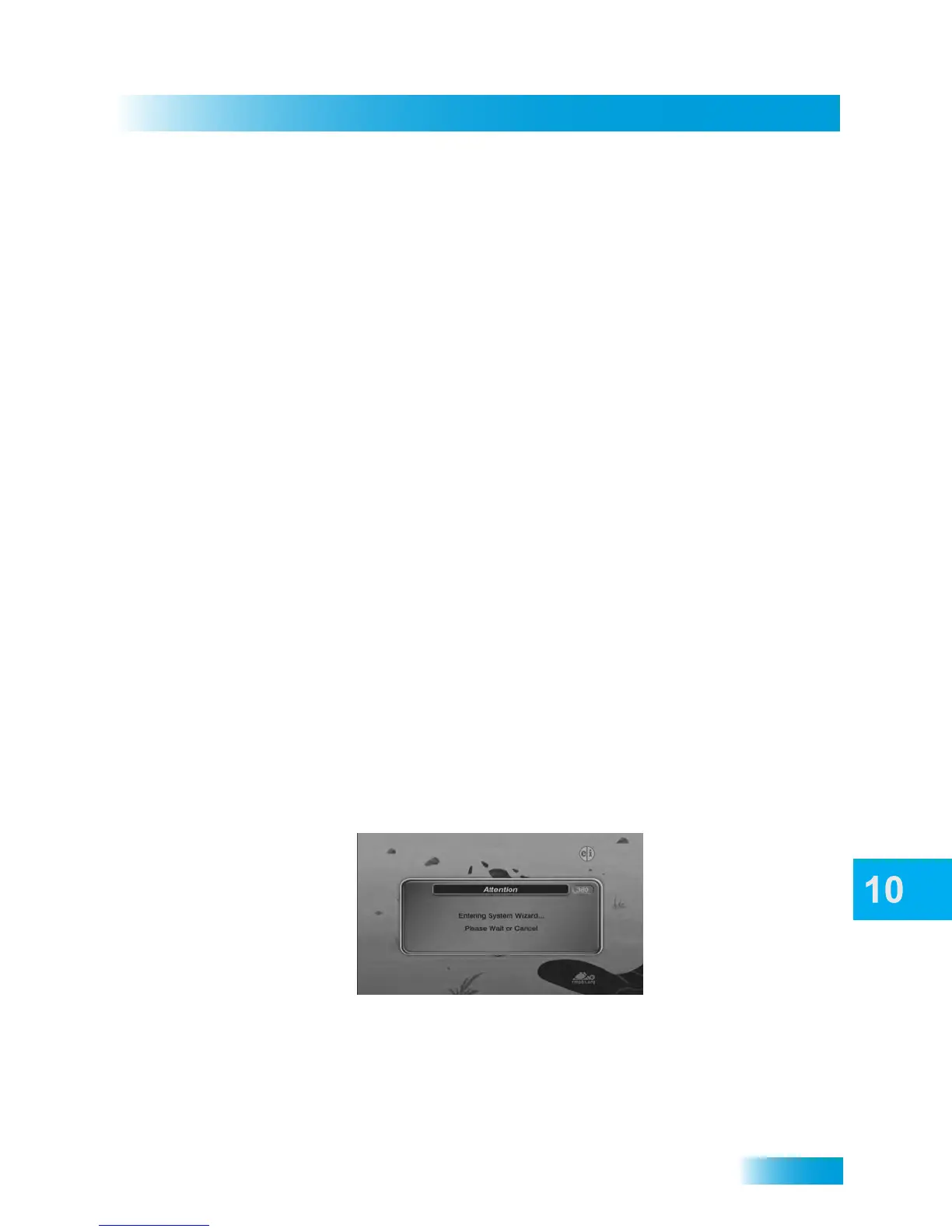
By pressing and holding the ZERO (0) key on your DISH remote control, you enter the
System Wizard on your receiver. The remote must be no more than 10 feet from the
receiver. Make sure the receiver is not blocked and you do not move the remote or the
while accessing the System Wizard.
The System Wizard feature can help you diagnose certain problems you may be having
with your DISH remote control’s operation, including:
• Remote Is Not Recognized
• Adjust Remote Configuration
• Back Up Receiver and Remote Settings
7 After a button has learned a command
successfully, repeat step 5 and step 6 until
all commands you want have been
learned.
8 Press and release one of the Mode buttons
on the DISH remote to end the learning
sequence. This saves all the commands for
that mode and exits learning to return to
normal remote control operation.
To cancel learning, do not press any but-
tons on either remote control for at least 30
seconds. The DISH remote control times
out of learning and returns to its normal
operation.
Note: No learned commands are saved if
the DISH remote control times out before
completion of learning.
The learning sequence also ends if the remote:
• Runs out of memory for learned
commands, whereupon it saves
the commands you have learned
for equipment in this mode, exits
learning and returns to its normal
remote control operation. Then the
DISH remote cannot learn any
additional commands.
• Batteries are too low for learning,
when all the mode buttons blink
quickly eight times. Learning ends
with no learned commands
saved, and the DISH remote
control returns to its normal
operation. Change the remote’s
batteries.


 To Next Page
 Loading...



