Page 9
Using the Remote Control
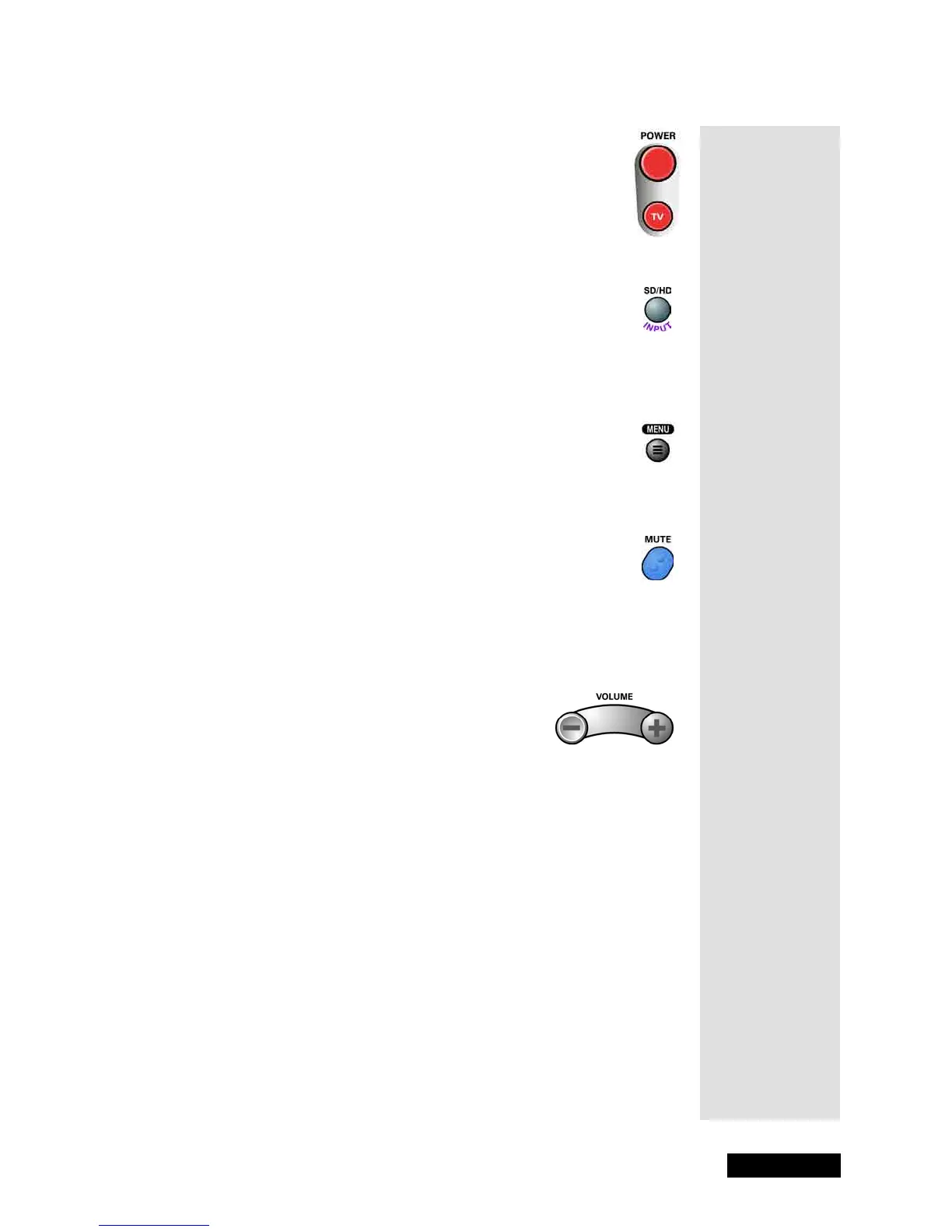
Power Buttons
Press the POWER or TV POWER button to turn the monitor
ON or OFF. The TV POWER button will also turn the monitor
ON or OFF in other remote control modes.
SD/HD Input Button
Press the SD/HD INPUT button to cycle through the inputs that are to be
displayed (
DISH DVI, VID1, VID2, FRNT, CMP1, and CMP2).
Menu Button
Press the MENU button to open the Main Menu.
Mute Button
Press the MUTE button to turn off the monitor sound. Press it again to
restore the monitor sound. The MUTE button will also mute and restore the
monitor volume in other remote control modes.
Volume Button
Press the minus (-) side of the VOLUME button to lower the monitor
volume. Press the plus (+) side of the VOLUME button to raise the monitor
volume. The VOLUME button will also change the monitor volume in
other remote control modes.
Use the VOLUME button to adjust the headphone volume settings:
1. Press the remote control VOLUME button to open the
Volume Level
display.
2. Press the UP or DOWN ARROW button to display the
Headphone
Volume
display.
3. Press the LEFT AND RIGHT ARROWS button to adjust the
headphone volume.
Tip: Remember
to keep the
remote control in
TV mode to use
these buttons.



 To Next Page