Page 19
Channel Guide Menu
Black Level
Press the LEFT and RIGHT ARROWS to adjust the brightness of the
picture.
Color
Press the LEFT and RIGHT ARROWS to adjust the richness of the color.
Contrast
Press the LEFT and RIGHT ARROWS to adjust the difference between
the light and dark areas of the picture.
Sharpness
Press the LEFT and RIGHT ARROWS to adjust the crispness of the edges
in the picture.
Color Warmth
Press the LEFT and RIGHT ARROWS to set one of three automatic color
adjustments:
•
Cool - For a more blue palette of picture colors.
• Normal
• Warm - For a more red palette of picture colors. The warm setting
corresponds to the NTSC standard of 6500 K.
Tint
Press the LEFT and RIGHT ARROWS to adjust the balance between the
red and green levels.
Note: Tint not available for DISH DVI, CMP1, and CMP2 inputs.
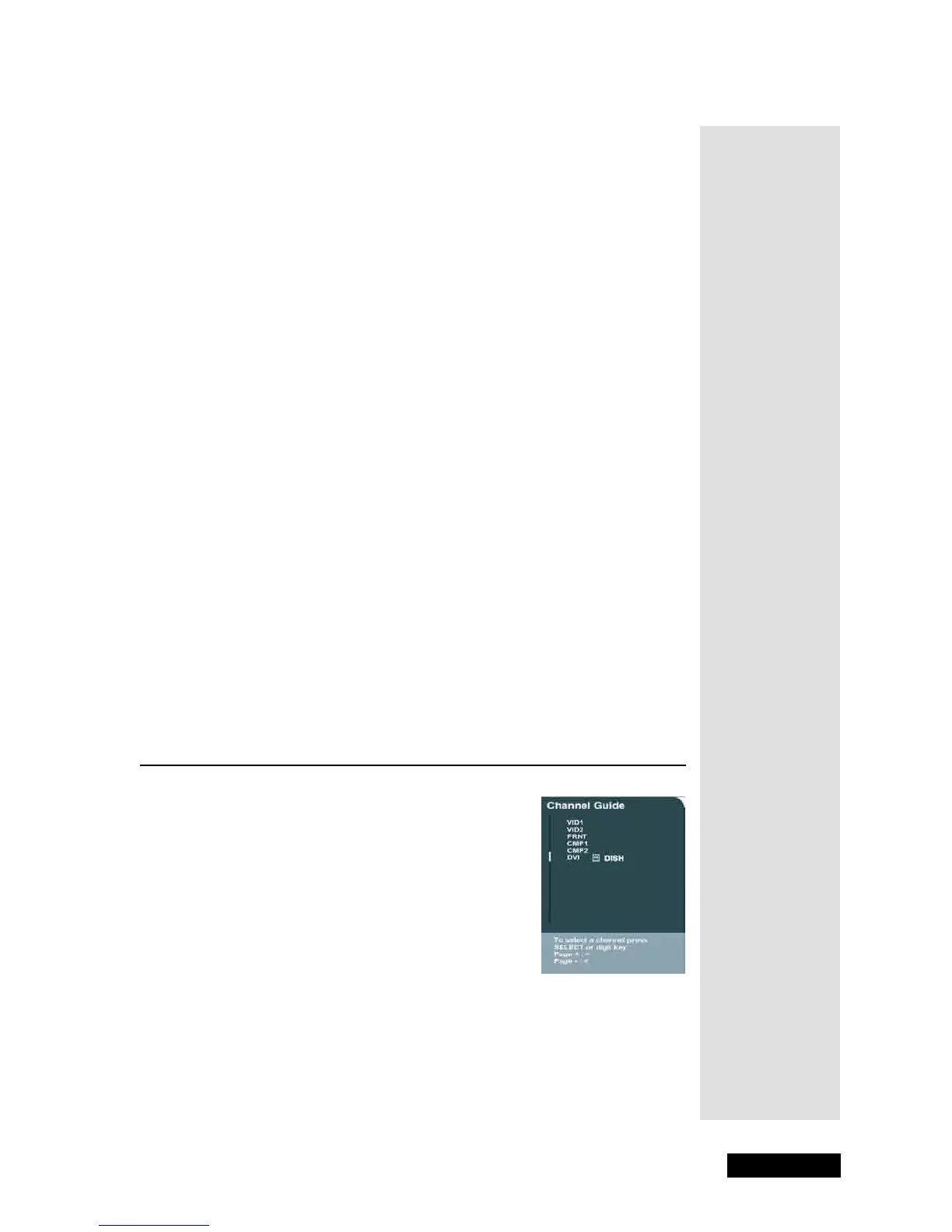
Channel Guide Menu
The Channel Guide menu allows you to view and
select from the entire list of inputs and channels and
their labels. To open the Channel Guide menu, either
press GUIDE or press MENU and then select
Channel Guide. Use the UP or DOWN ARROW
to scroll through the list. Press SELECT/OK to
pick an input or monitor tuner channel.
Note: For best viewing experience, use the
Electronic Program Guide on your satellite receiver
to see what programs are on and to change channels.
See the User’s Guide that came with your satellite
receiver for more information.
Tip: You can
adjust
sharpness for
each channel.
This is useful if
the video
appears fuzzy.



 To Next Page