Page 17
Picture Menu
Picture Menu
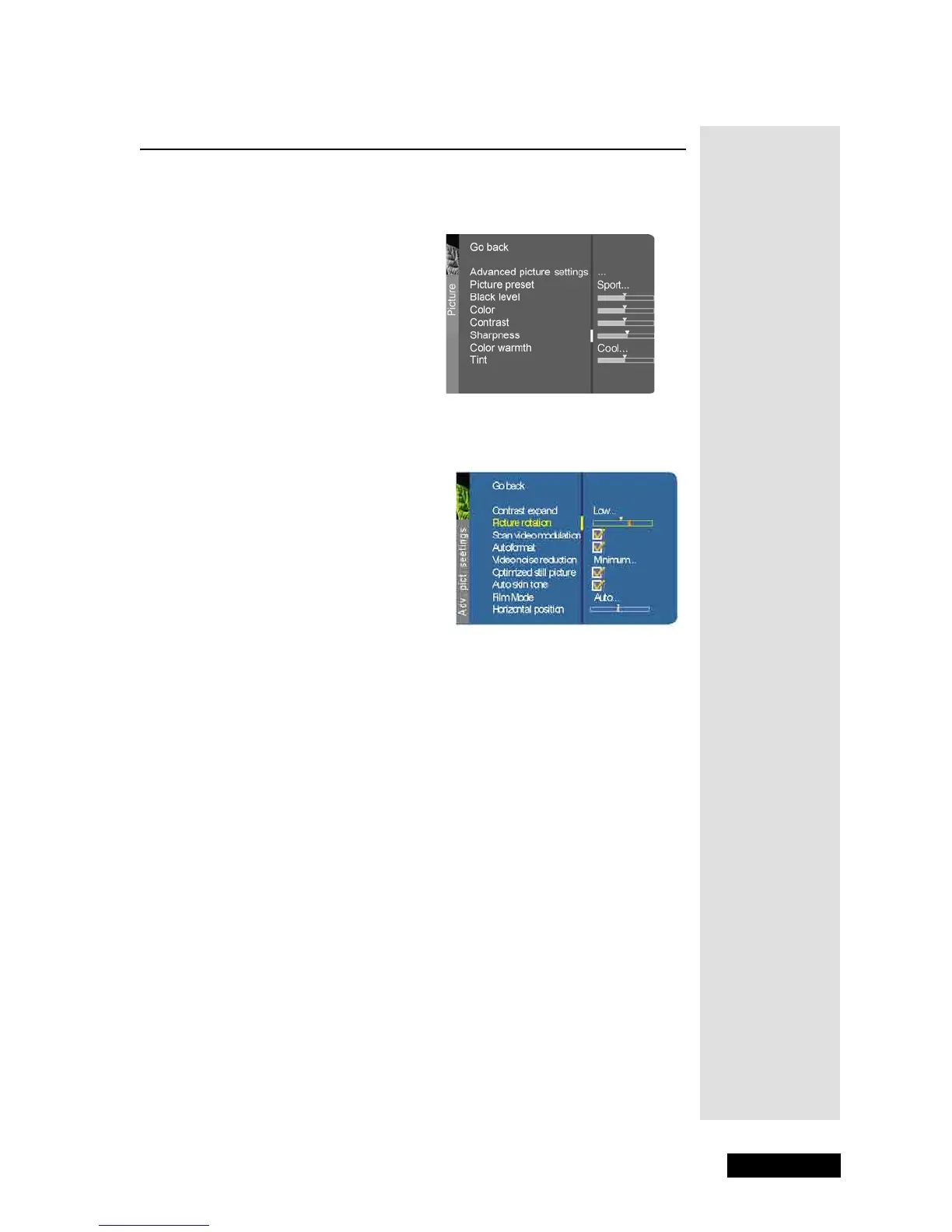
The Picture menu options apply to the video for the main TV and video
input selections. To open the
Picture Menu, press MENU and then select
Picture.
Advanced Picture Settings
Press the LEFT and RIGHT ARROWS to select among the following
Advance Picture Settings:
•
Contrast Expand - You can adjust the contrast of the picture to suit
the light of the room. Press the right arrow to choose which of the
following best describes the lighting in the room:
Low, Medium or
High.
•
Picture Rotation (available only on the direct view HD34-310) -
The TV has an extra large picture tube that makes it vulnerable to
the effects of the Earth’s magnetic field. Press the DOWN
ARROW to highlight
Picture Rotation, then press the LEFT or
RIGHT ARROW to adjust the picture rotation.
•
Scan Velocity Modulation - Improves the sharpness of the picture
by changing the speed of the cathode-ray tube’s electron beam
when it transitions between dark and light areas of the screen.
Choose to have it on (box checked) or off (box unchecked),
depending on your preference using the SELECT/OK button.
•
Autoformat (not available on DISH DVI input)- When enabled (box
checked) the TV automatically detects the screen format the signal
is sending for each channel, as well as input channels using the
SELECT/OK button.
•
Video Noise Reduction (not available on DISH DVI input) -
Reduce picture “static” or any type of interference. This feature is
especially useful for providing a clearer picture in weak analog
signal conditions. Press the RIGHT ARROW to choose between:



 To Next Page