Chapter 3
Page 14
Using the Monitor’s Features
Main Menu
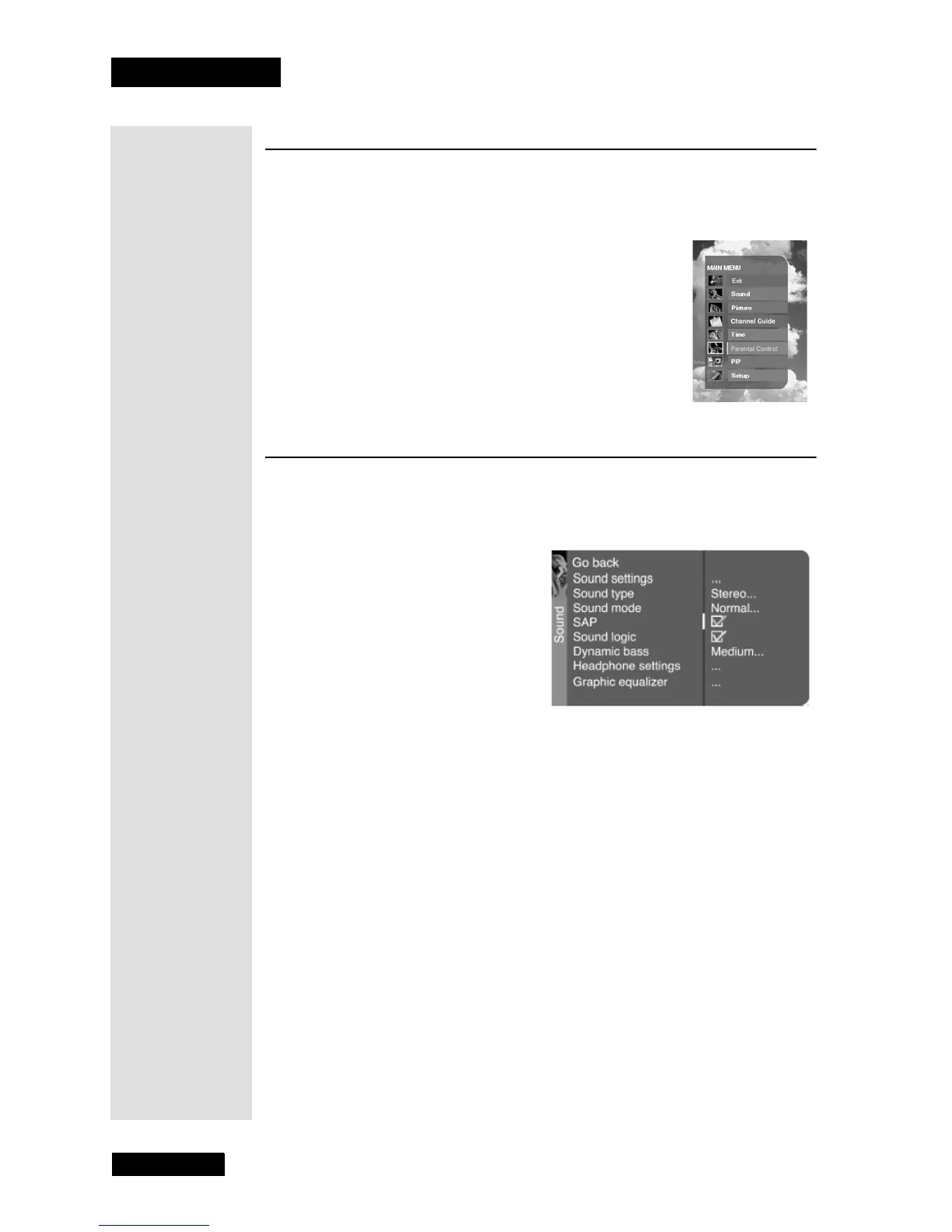
When you press the MENU button on the remote control, the Main Menu
displays. Use the
Main Menu to get to the menus described below which
allow you to customize settings on your monitor.
Sound Menu
The Sound menu allows you to customize the sound settings on your
HDTV monitor. To open the Sound menu, press MENU and then
select Sound.
Sound Settings
Press the LEFT or RIGHT ARROW to display a choice list that lets you
adjust the monitor’s speakers and subwoofer.
•
Left and Right Balance - Use the LEFT and RIGHT ARROWS to
adjust the volume level balance between the left and right speakers.
•
Amplifier - Use the LEFT and RIGHT ARROWS to select
External (if your TV is using external amplifier only) or Internal (if
your TV is using the speakers in the TV).
•
Subwoofer - Set the subwoofer to External if the TV is connected
to an external subwoofer; or
None if the TV is not connected to an
external subwoofer.
Tip: Remember
to keep the
remote control in
TV mode to use
these buttons.



 To Next Page