Page 3
Chapter 2
Monitor Description
Monitor Front Panel
Front Panel Controls
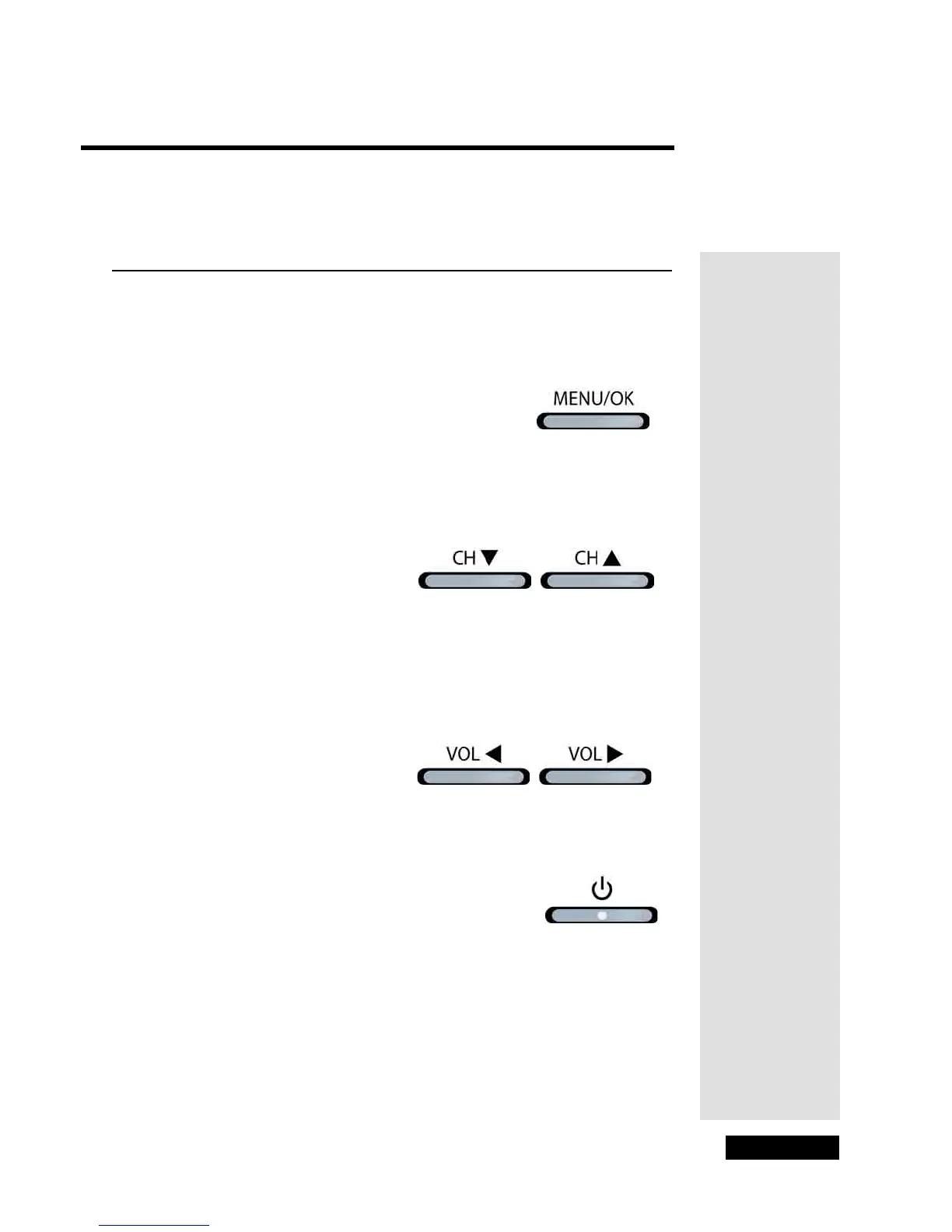
You can use the front panel buttons to operate many of the monitor’s features.
Menu/OK
Displays the Main Menu. In the menu system, it selects highlighted items.
Channel Controls
Changes channels and inputs in the monitor’s current channel list. In the
menu system, use the CHANNEL CONTROLS to move through the
menus and adjust menu controls.
Note: Normally, you would want to change programming channels using
the DISH Network satellite receiver and its Electronic Program Guide.
Volume Controls
Turns the volume up or down. In the menu system, use the VOLUME
CONTROLS to move through the menus and adjust menu controls.
Power
Turns the monitor on and off.



 To Next Page